

Anywhere in Medley on Mac
| Action | Shortcut |
|---|---|
| New Playlist | ⇧⌘N |
| Read Playlists Again | ⌘R |
| Back, after opening a playlist or an artist from a page | ⌘[ |
| New window | ⌘N |
| Settings | ⌘, |
In the Inbox
These work on a Mac, and on an iPad with a keyboard.
| Action | Key |
|---|---|
| Add the song to a suggested playlist (on a Mac, press it again to take it back out) | 1 to 9 |
| Play or stop the 30-second preview | Space |
| Next song, or Skip if you added it nowhere | → |
| Leave Out | ⌫ |
| Undo the last step | ⌘Z |

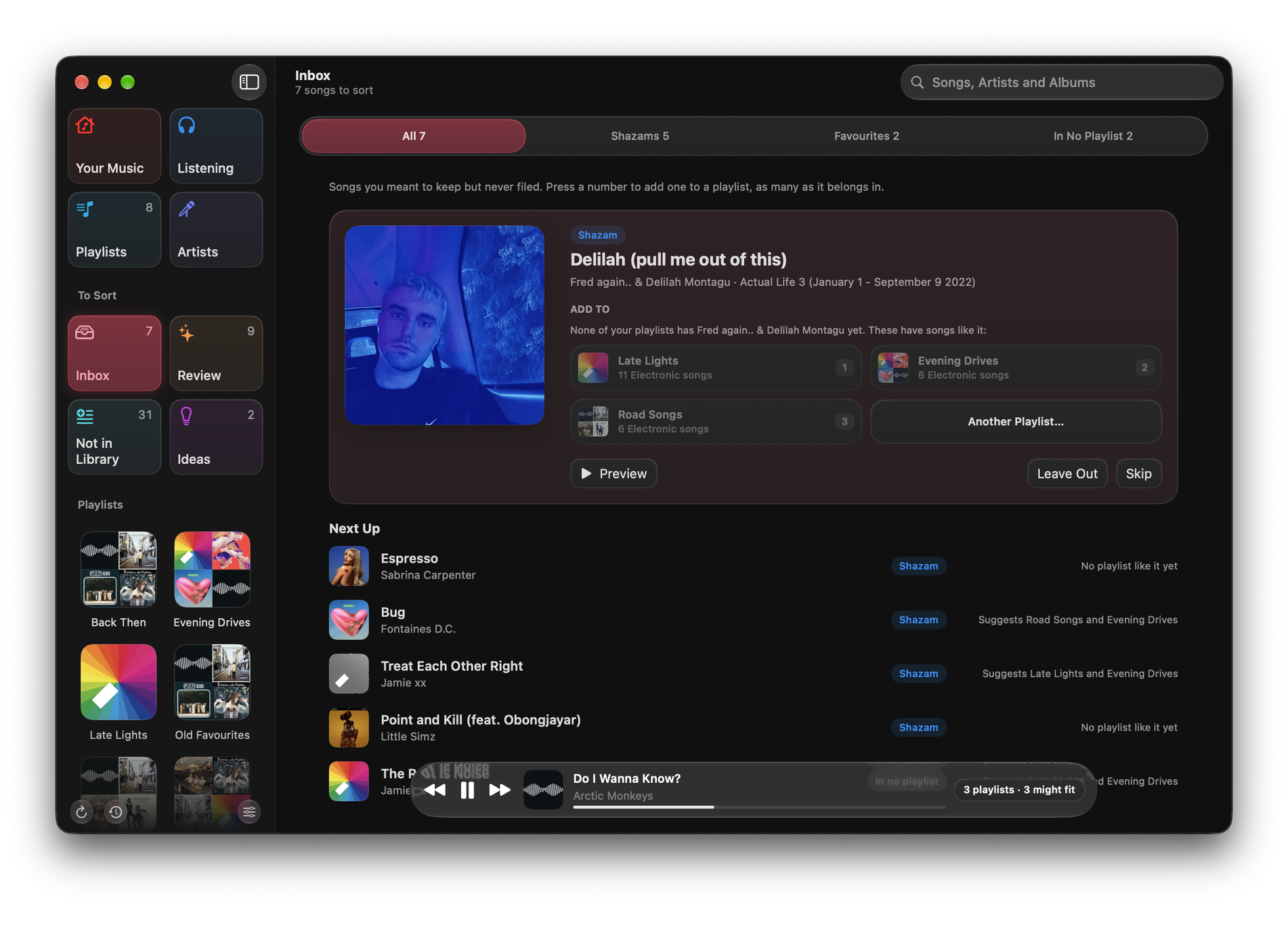
See The Inbox.
In Now Playing
| Action | Key |
|---|---|
| Close Now Playing | Esc |
In sheets
On a Mac, in a sheet with ✓, such as a Review change, ↩ confirms and Esc closes without changing anything.