Made for iPhone, iPad and Mac
A private journal for every day
Echo
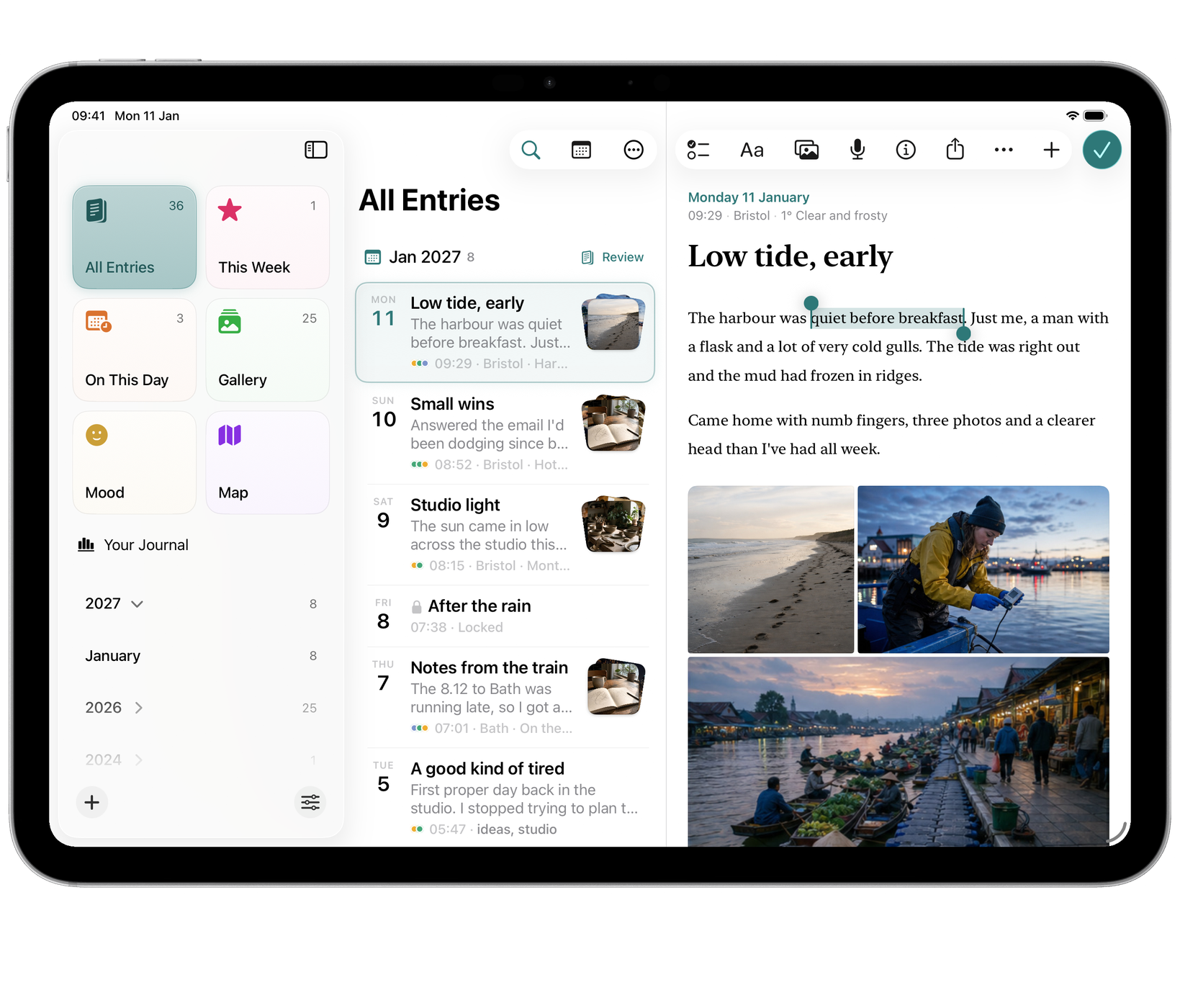
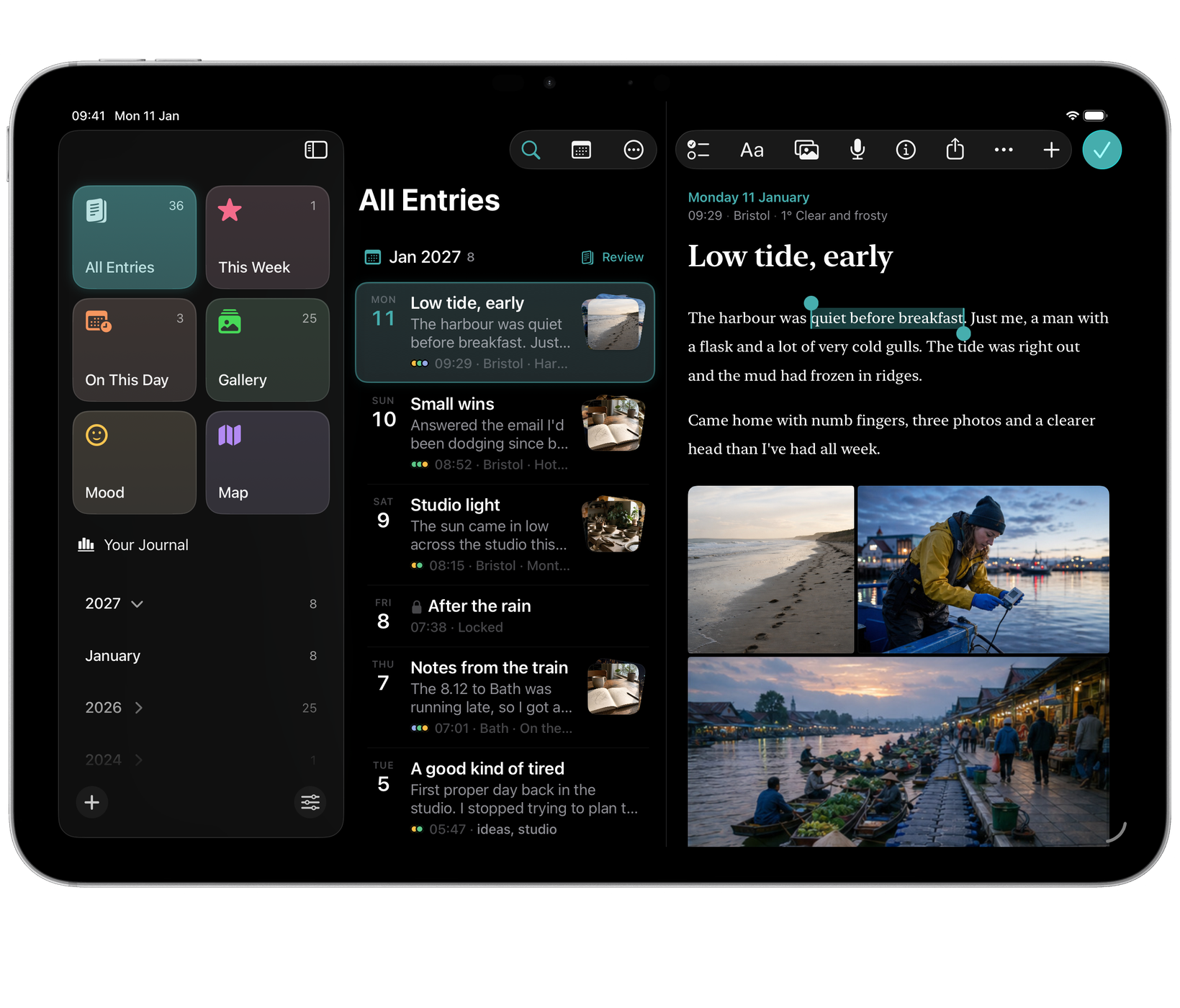
Write ordinary days and return through On This Day, photos, mood or place.
A look inside
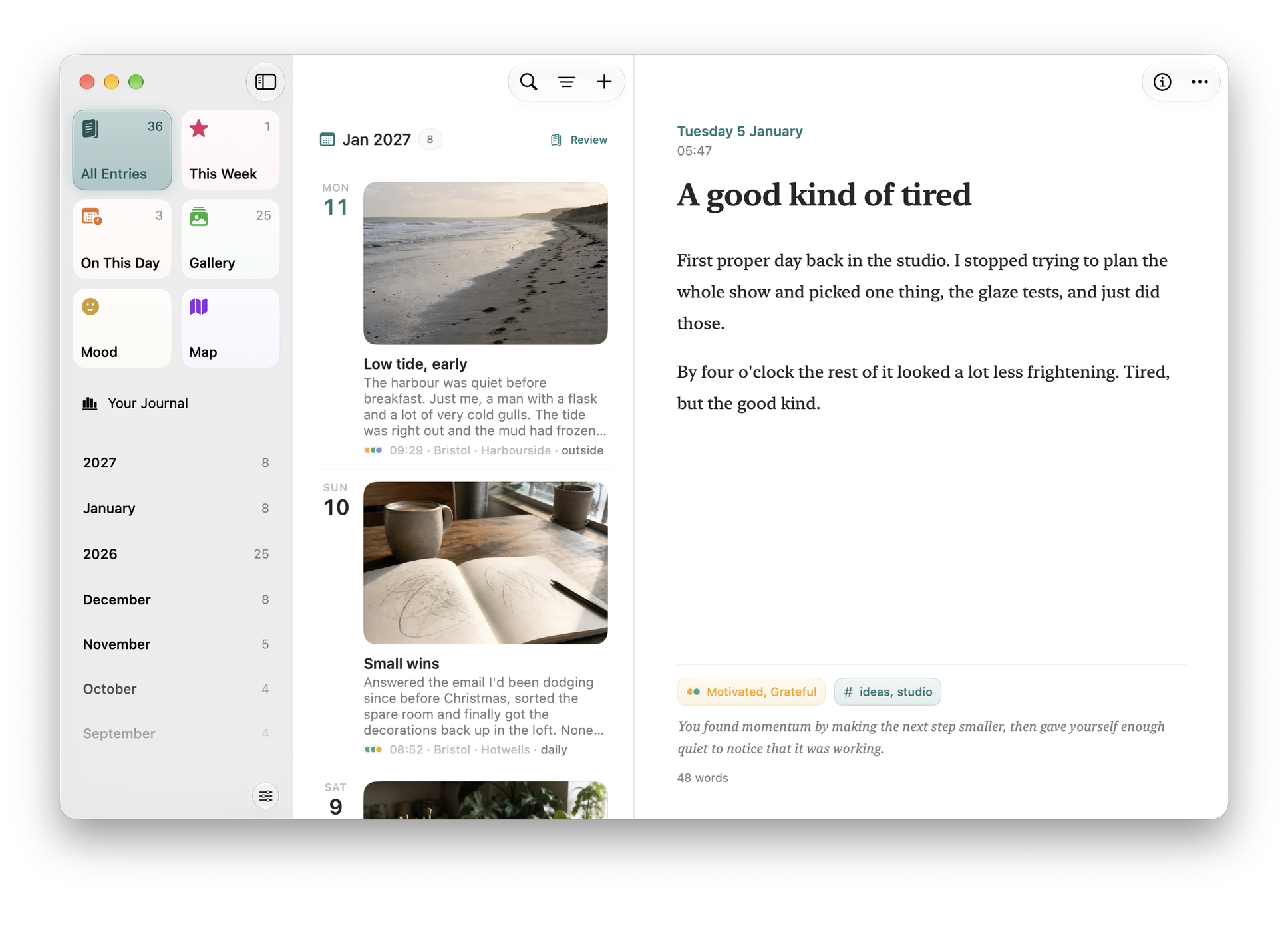
Echo in use.
Mac




iOS

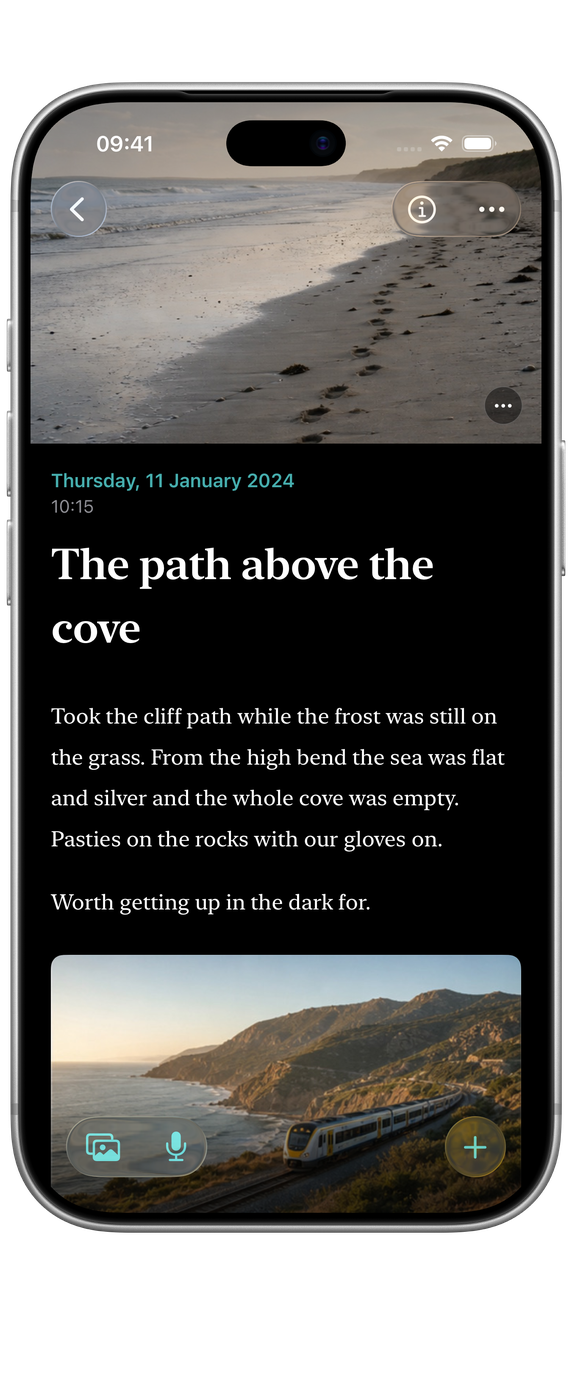
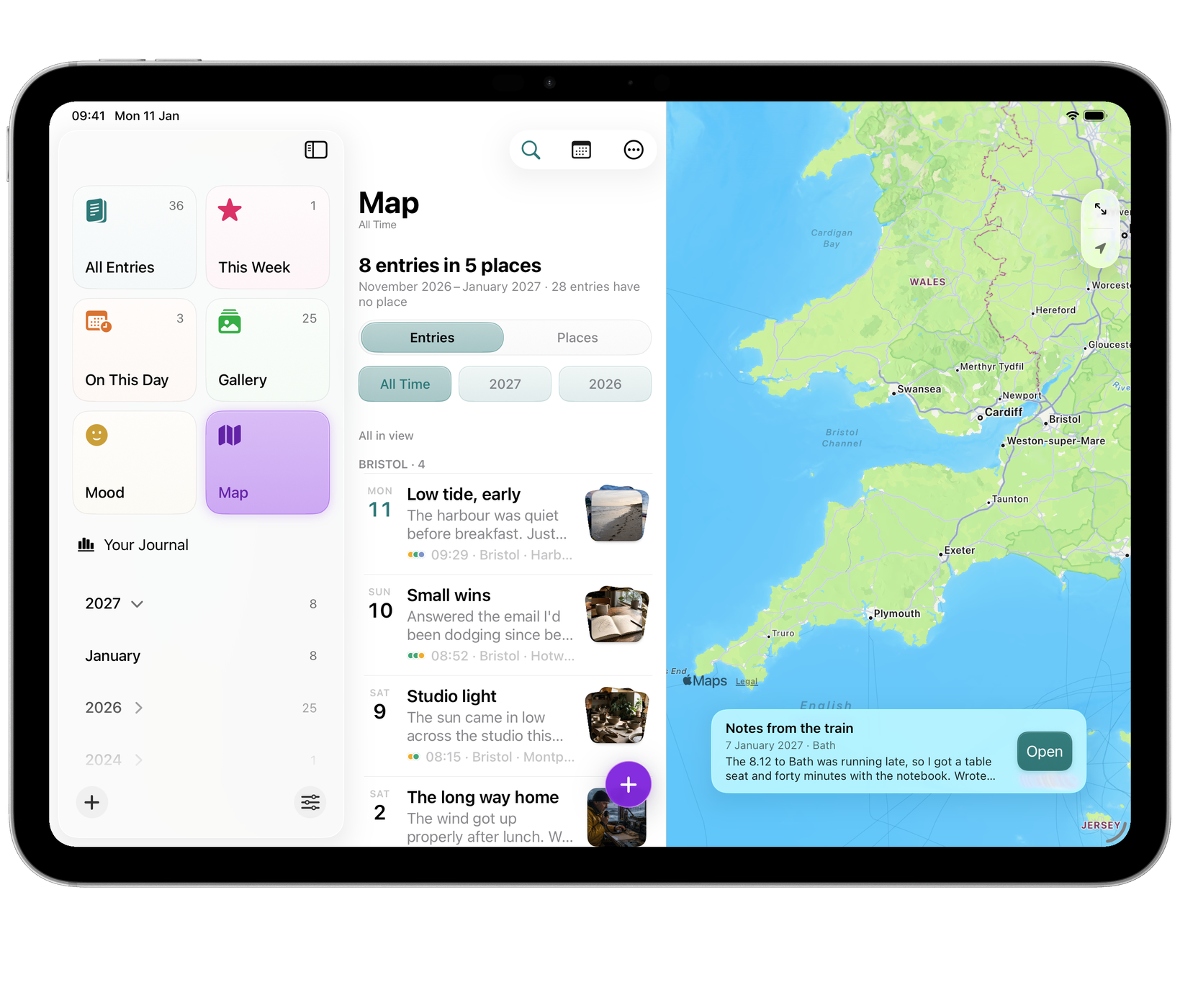
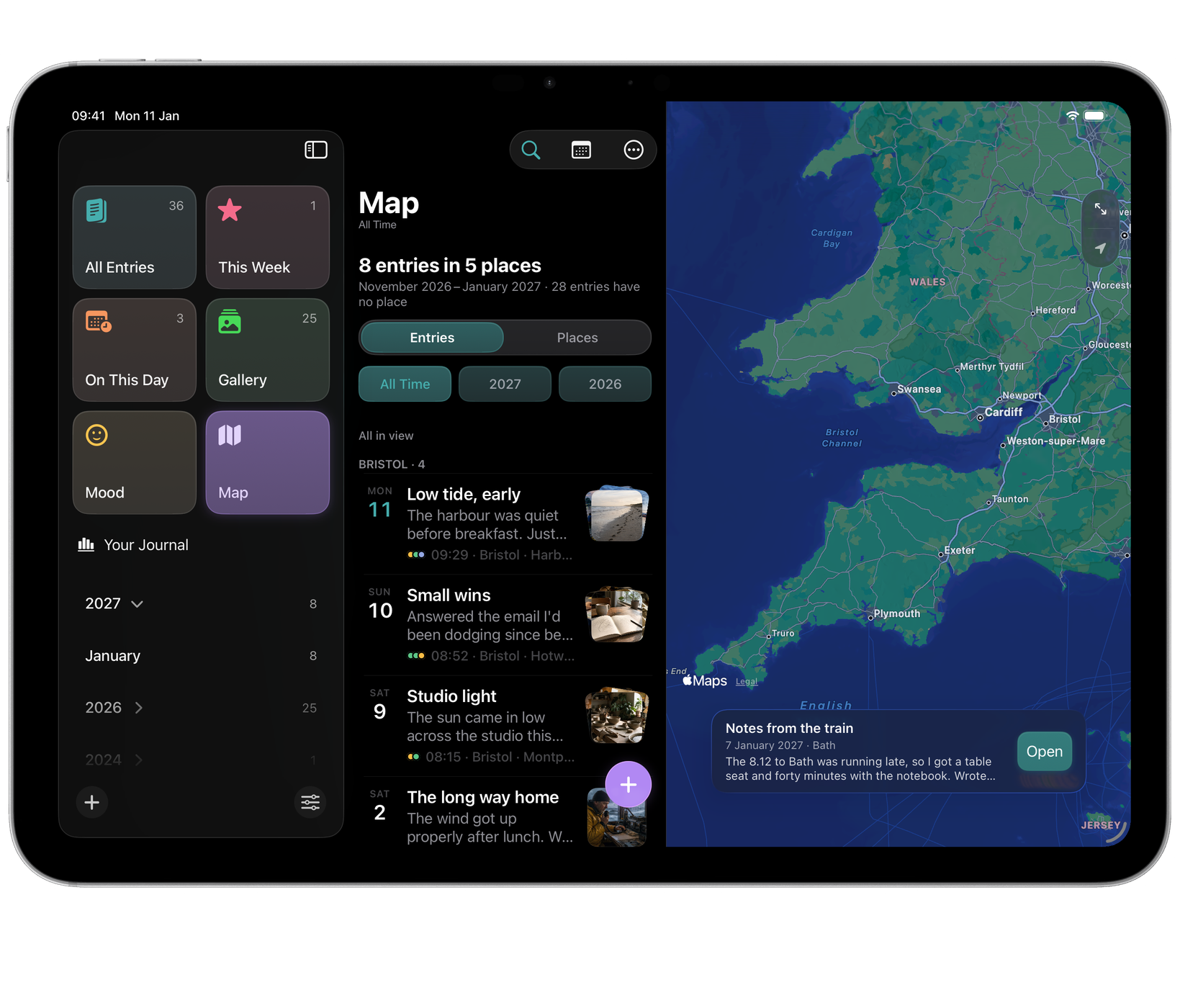
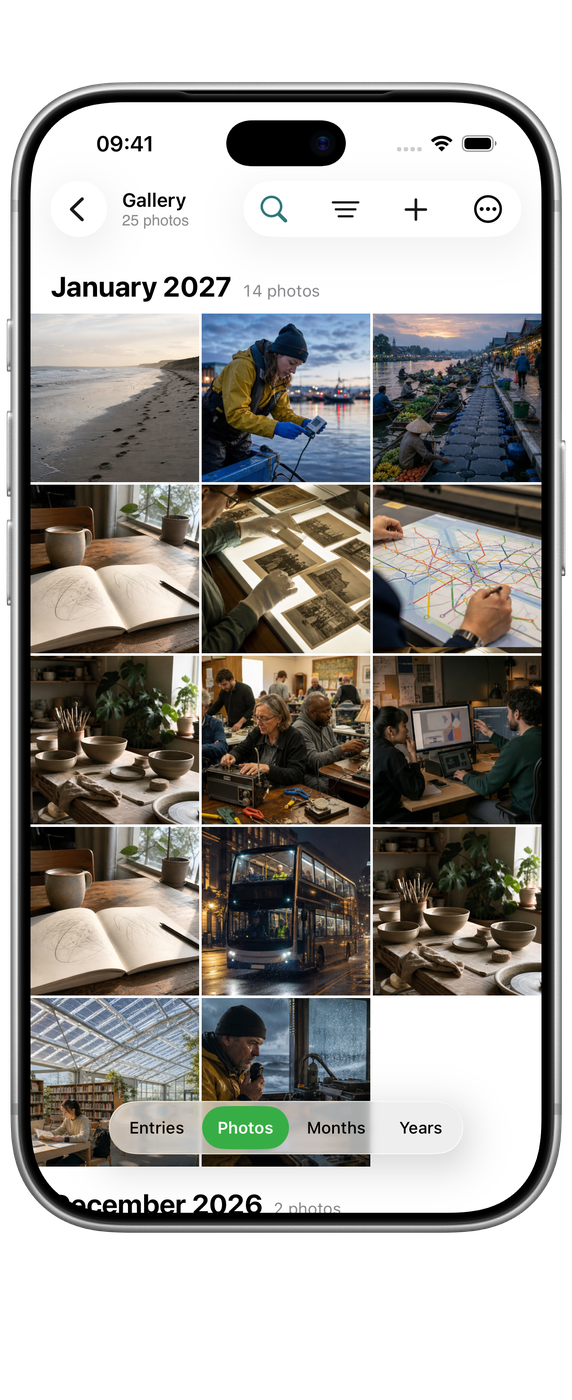


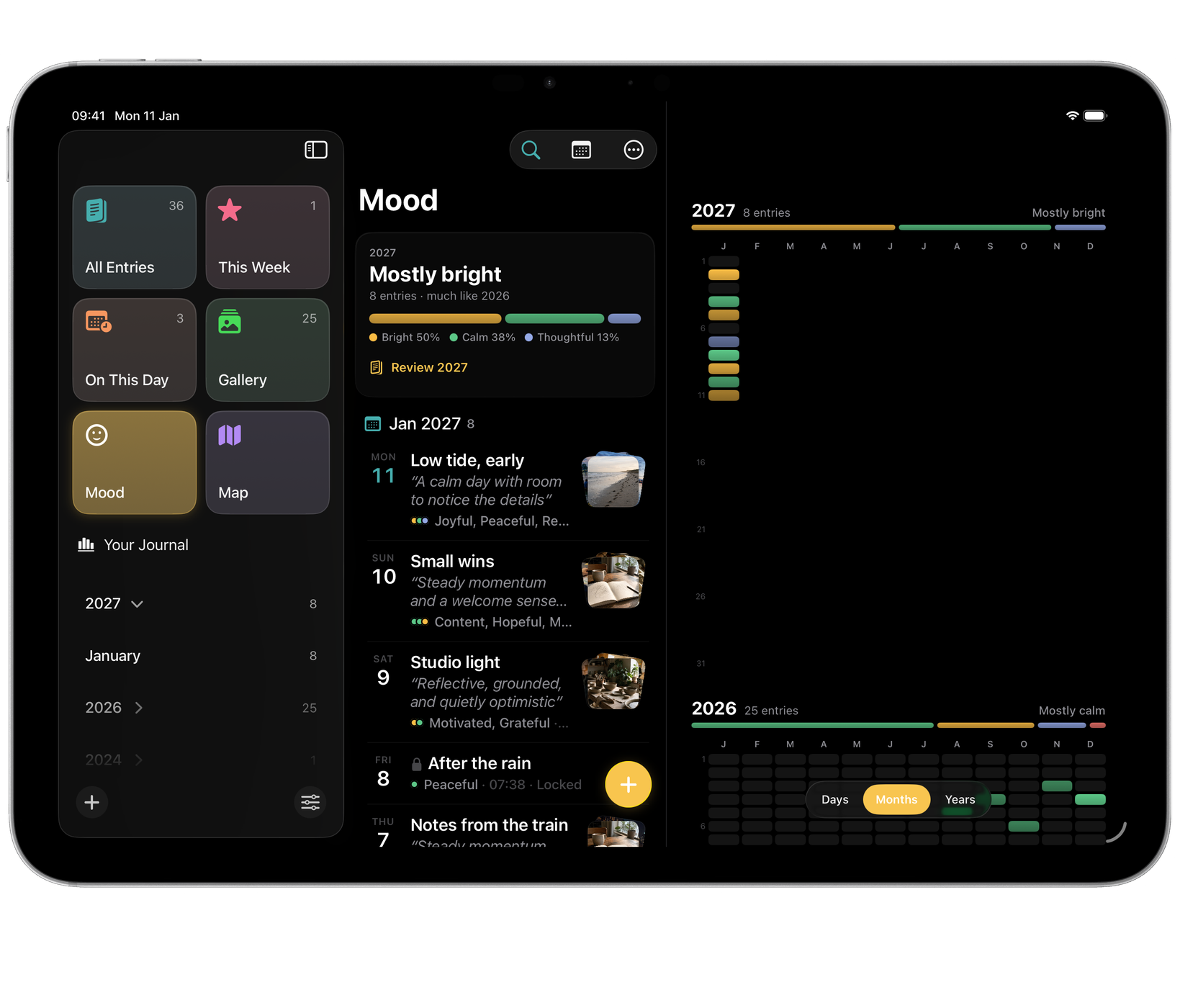
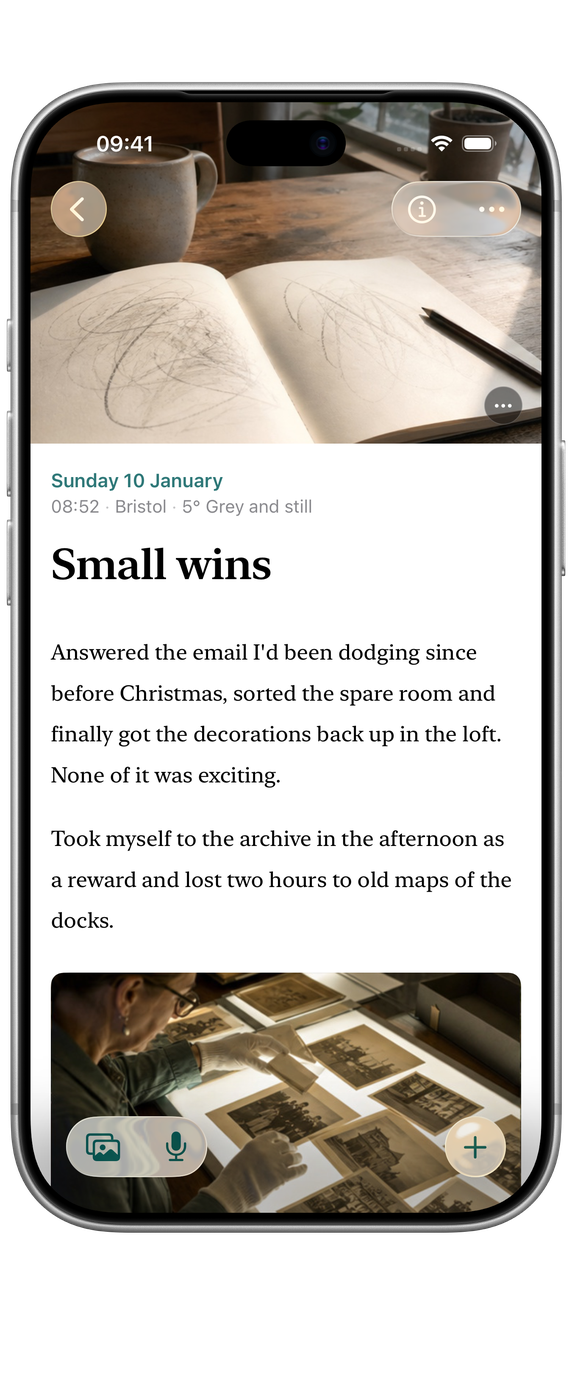
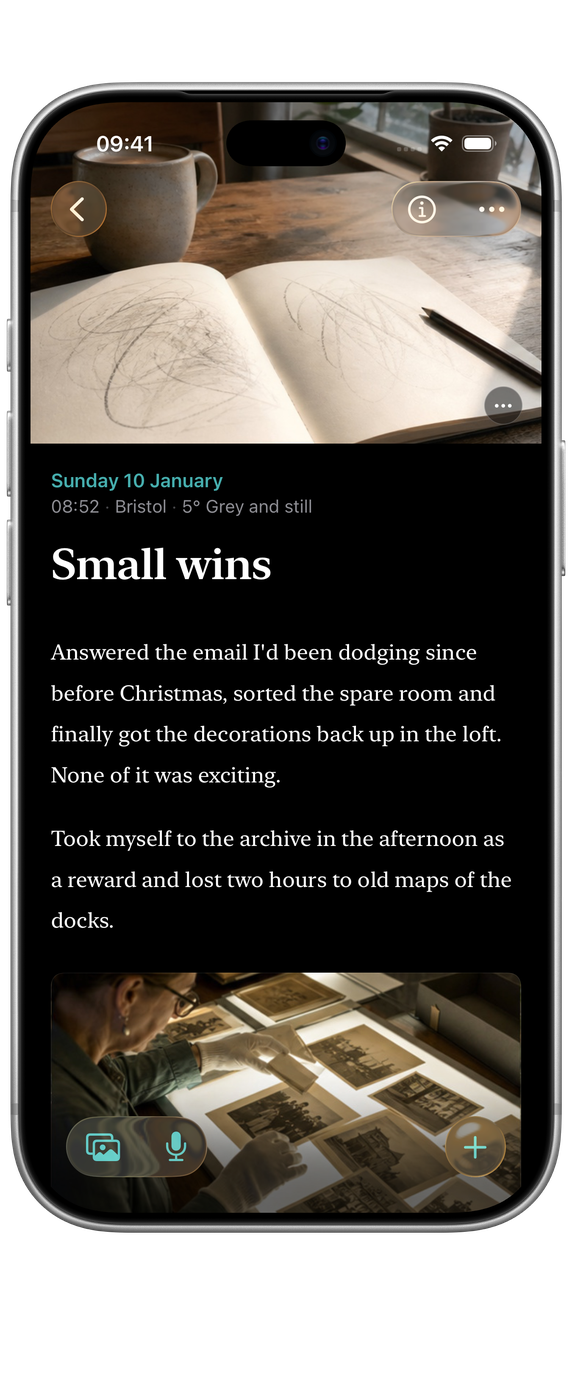

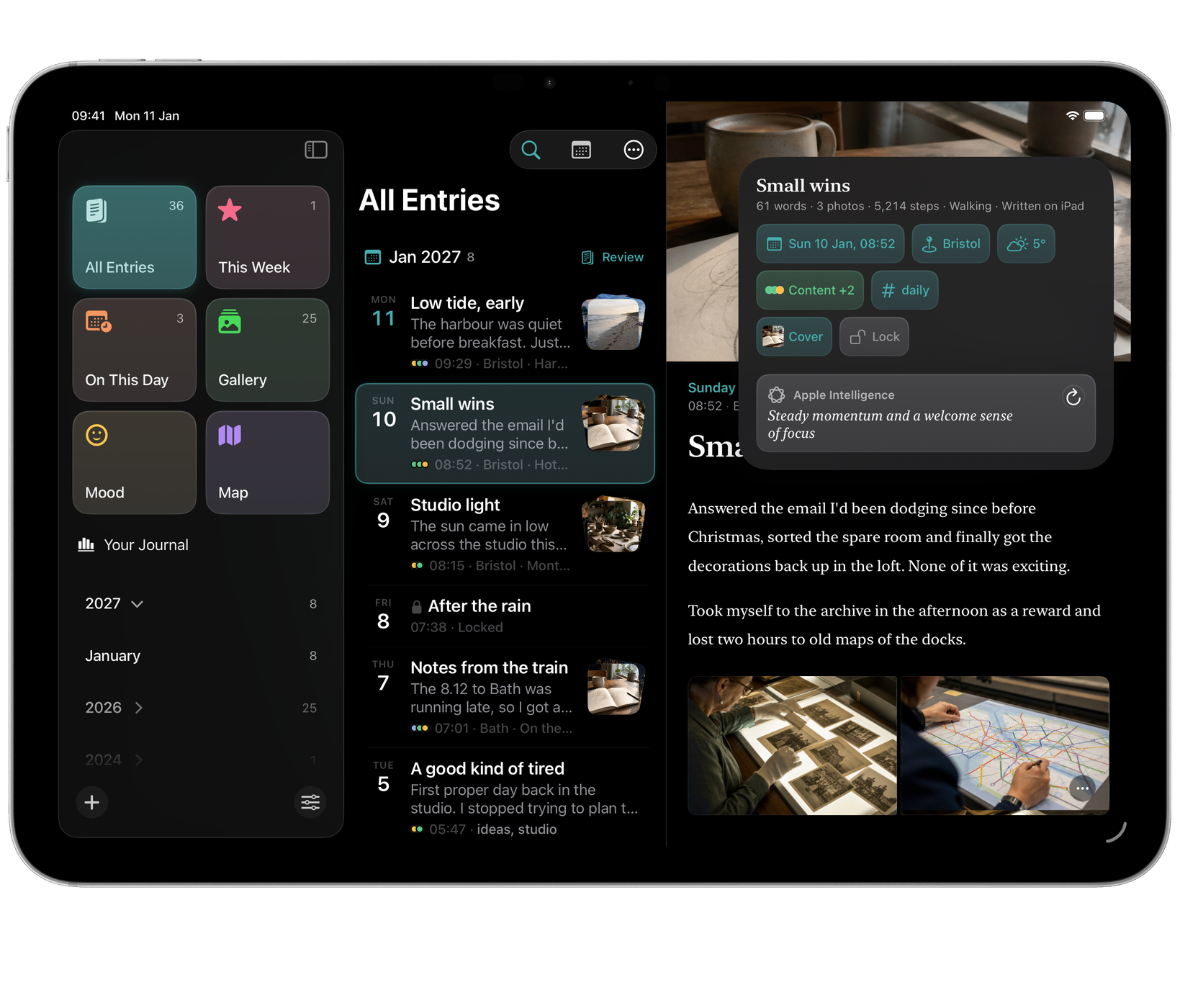
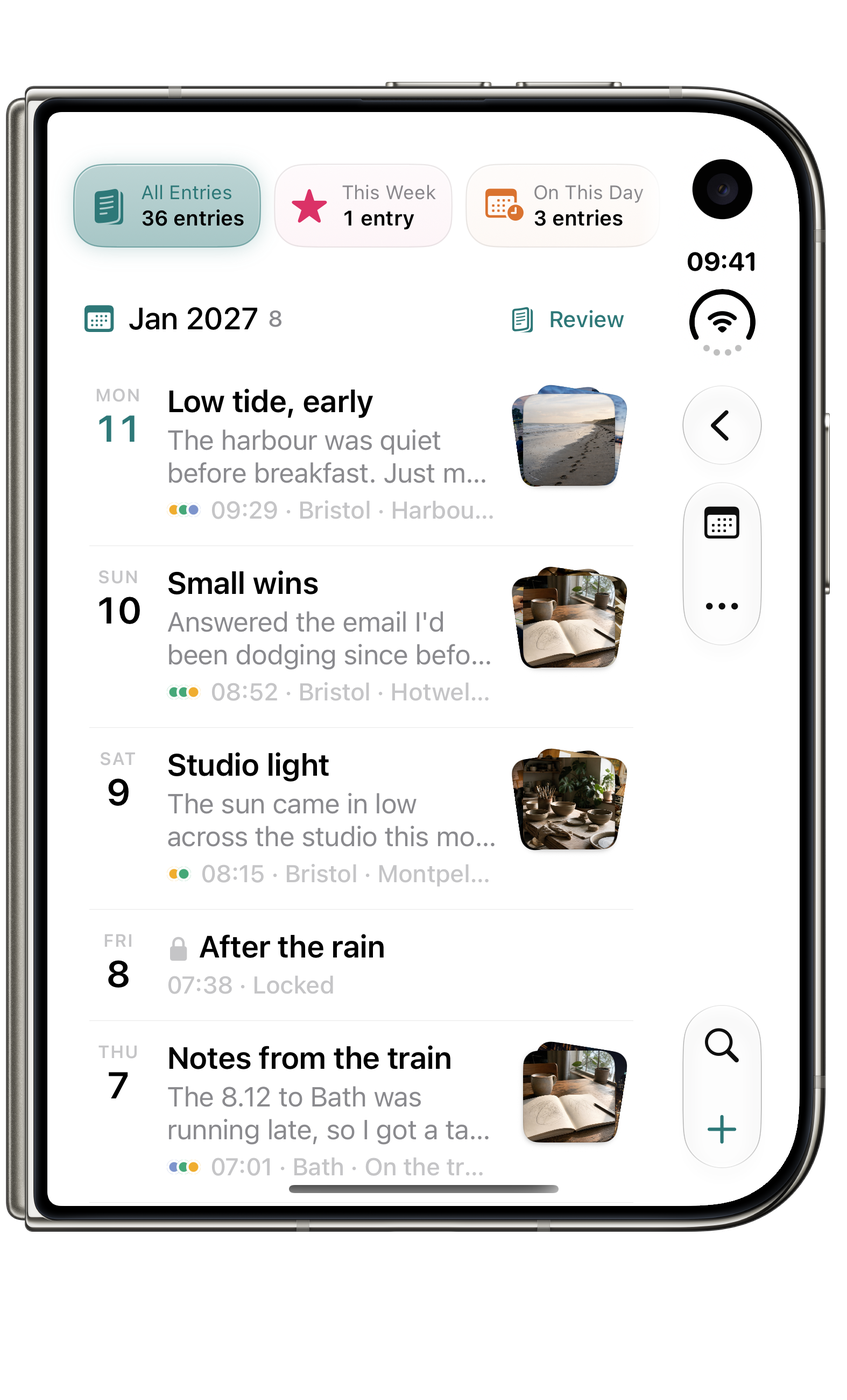
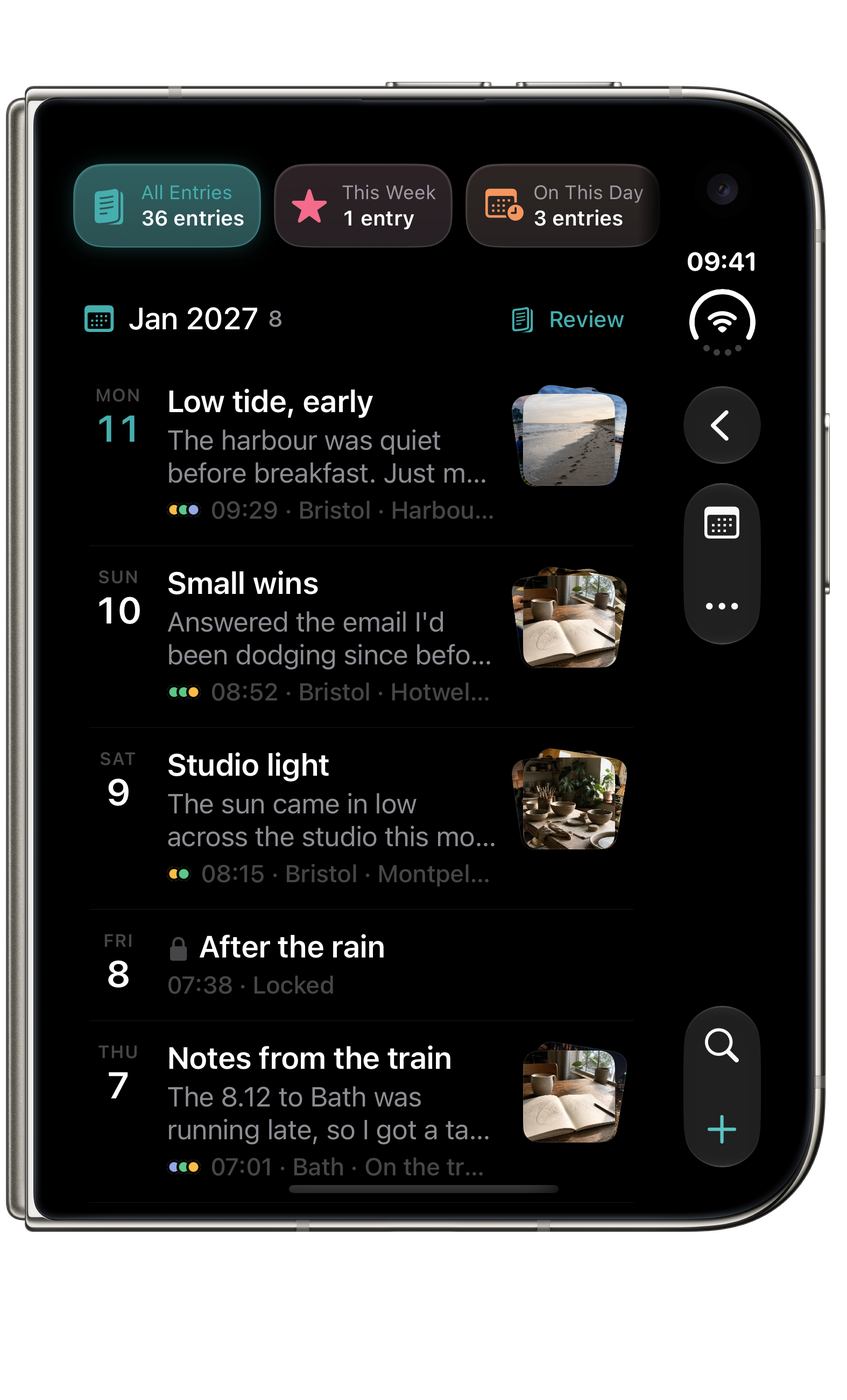
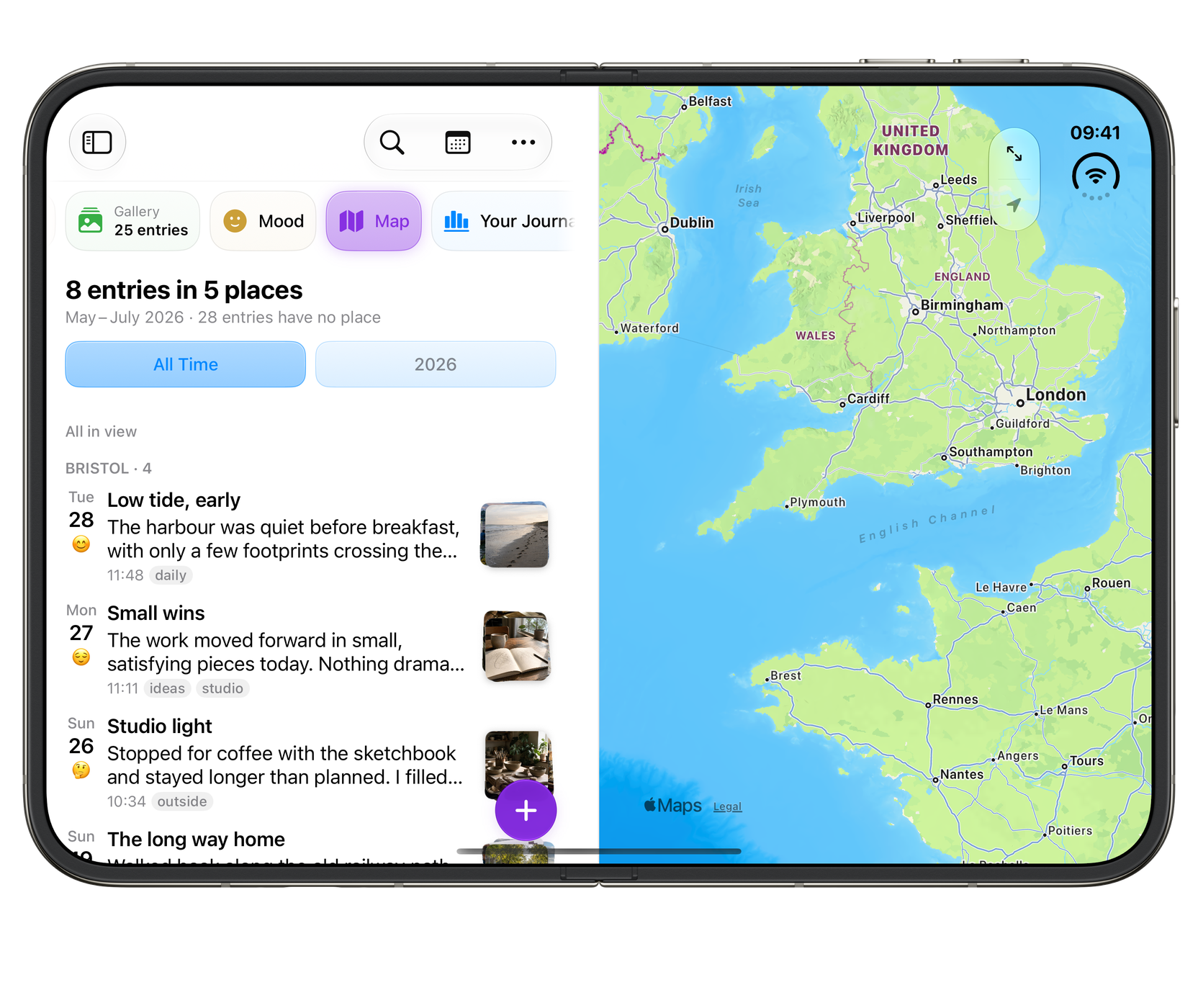
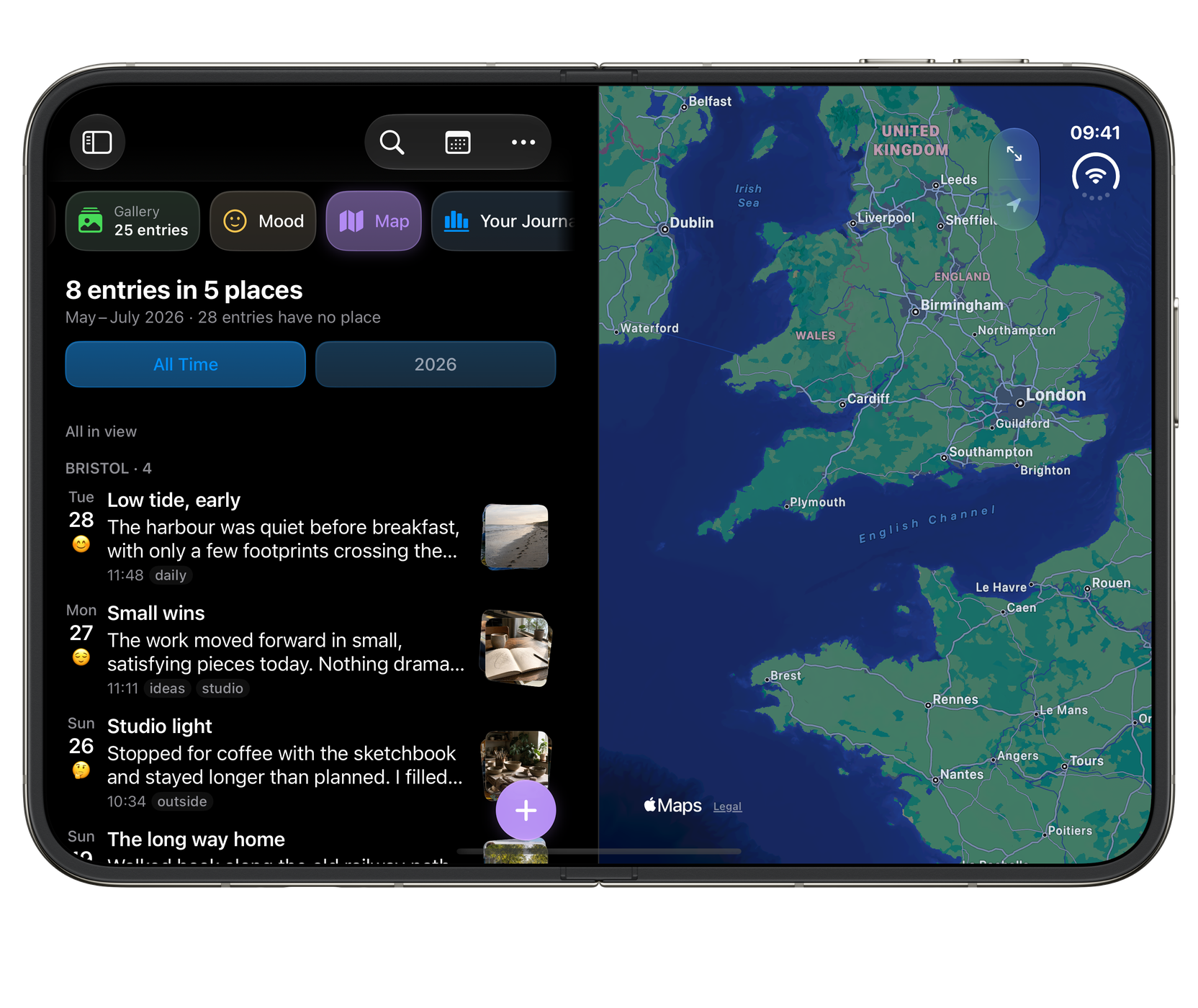
iPhone Duo
Ready for the outer display, the open canvas and the space in between.

Widgets
A gentle way back into your journal. Pick up today’s entry, revisit recent writing, see your weeks in mood colours and rediscover this day in years past.


What it does
A journal built for coming back.
Write it your way
- Headings
- Checklists
- Quotes
- Tables
- Code
Headings, checklists, quotes, tables and code in a Markdown editor. Dictate on-device and review the transcript before adding it.
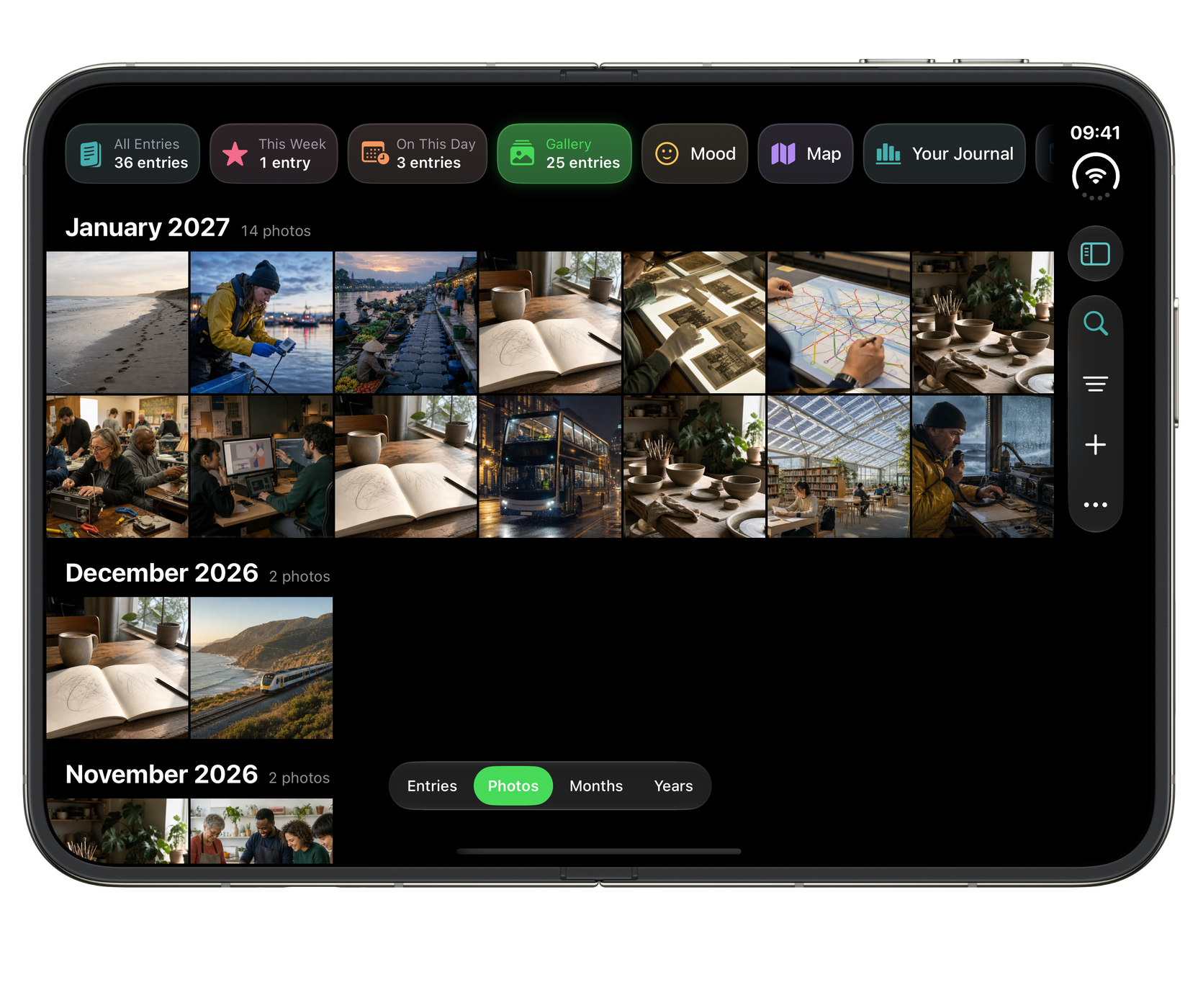
Photos and video, inline
Jul 202614
 +2
+2
 +2
+2
Locked to your face
Face ID, Touch ID or passcode, auto-lock, and a privacy screen that blanks the app in the switcher.
Earlier versions, kept
Version history keeps earlier revisions so you can review a previous version and restore it.
The day, captured with it
- Location
- Weather
- Steps
- Sleep
Optionally recorded alongside each entry.
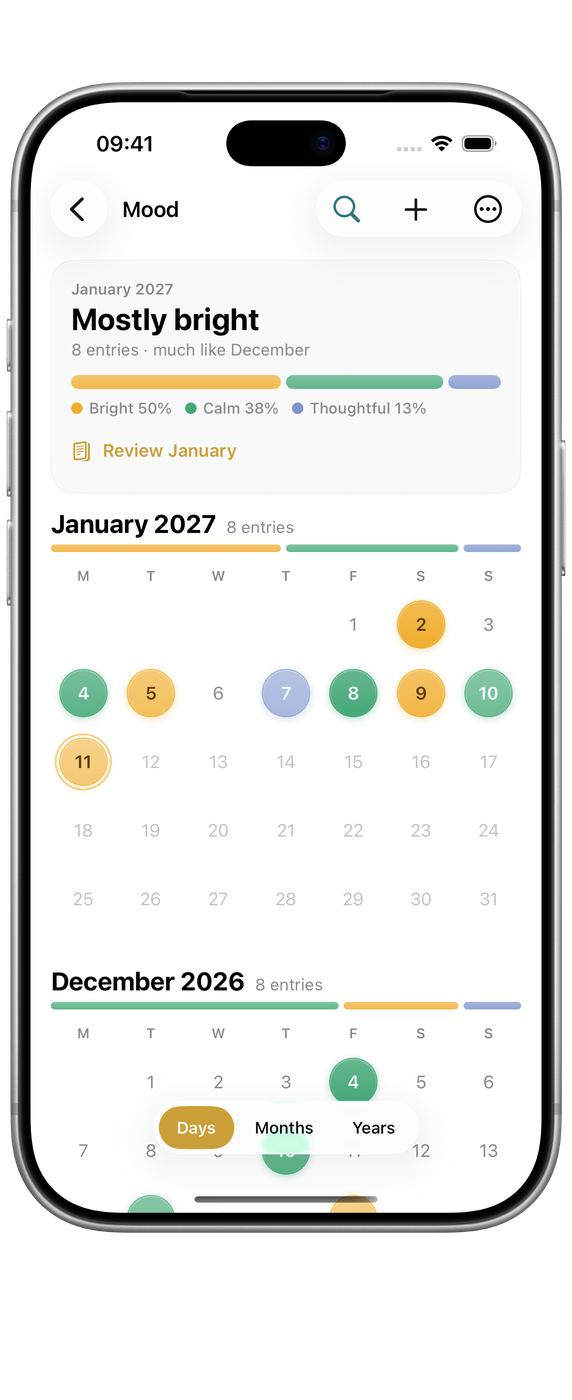
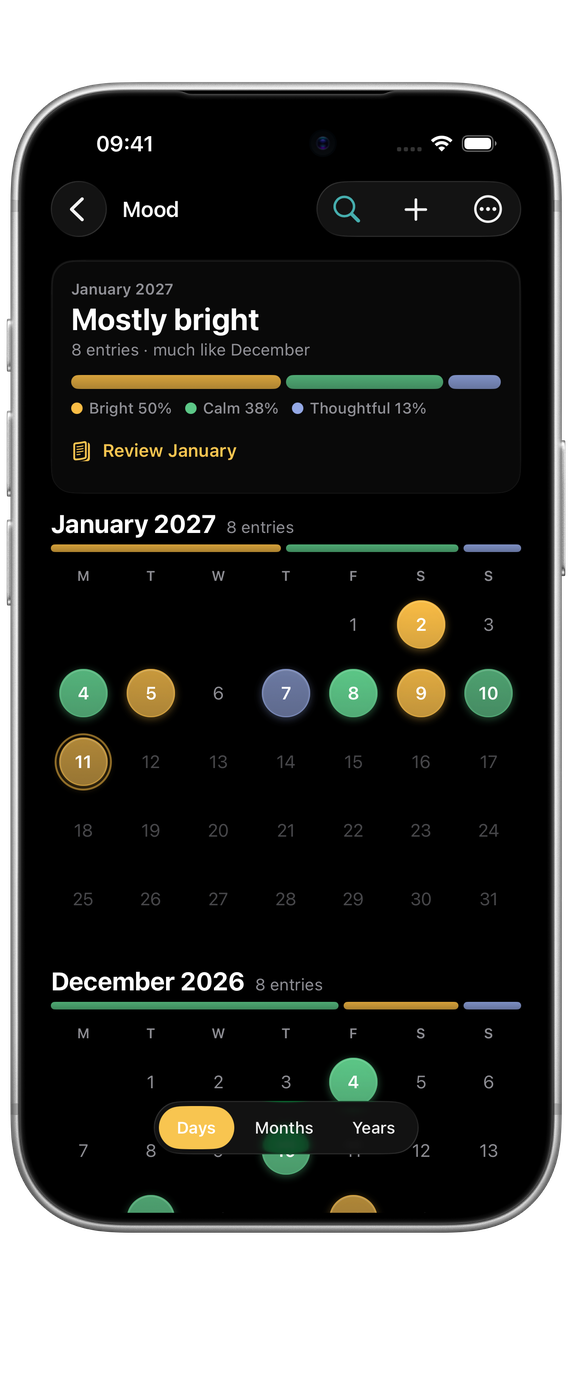
Your months in colour
Insight, entirely on device
On the Home Screen
No lock-in
Export everything, including entries, tags and full-resolution media, whenever you like.
Tag mood and intensity
Each entry carries how the day actually felt, and the trend emerges over time.
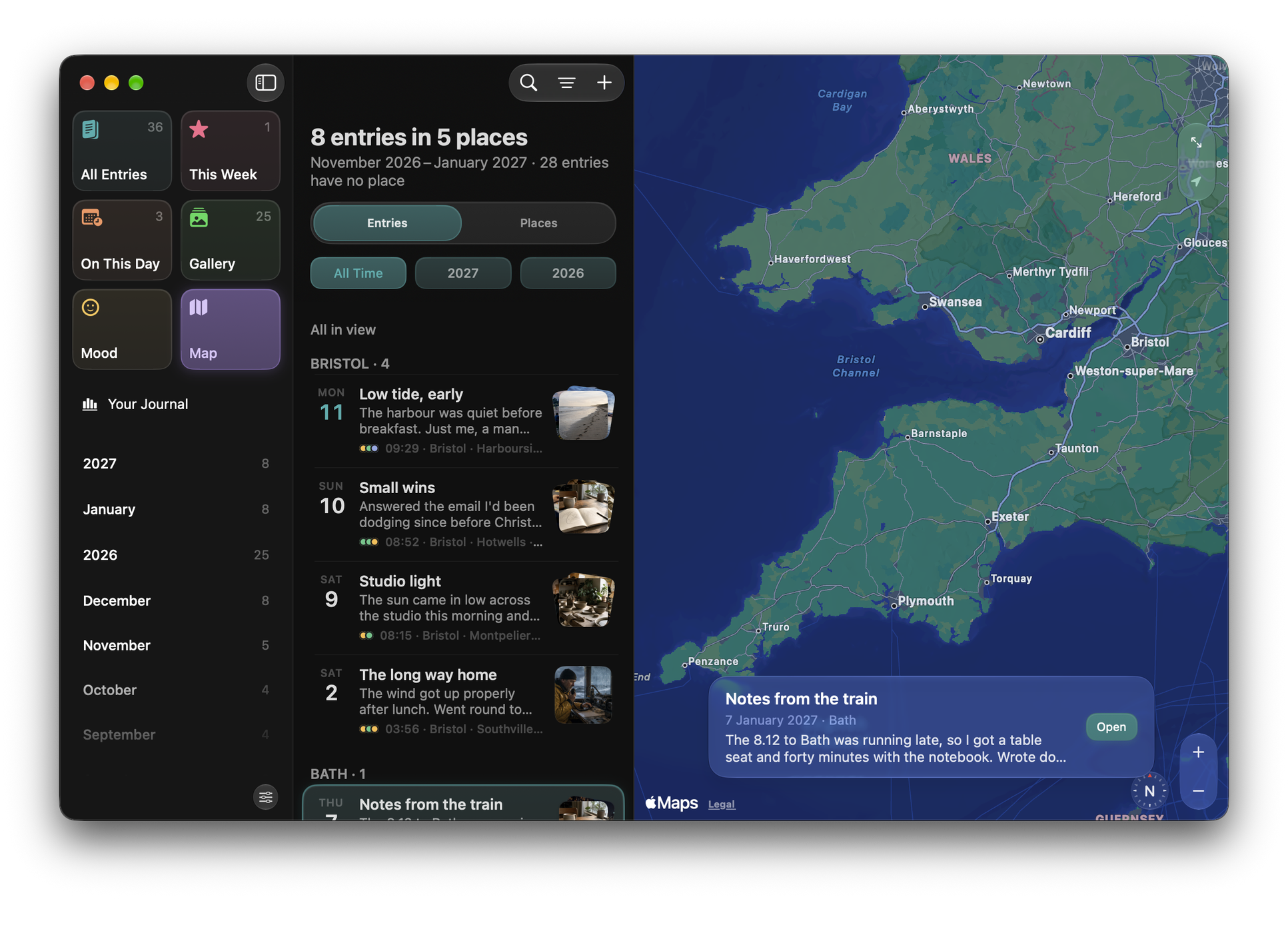
Where you were when you wrote it
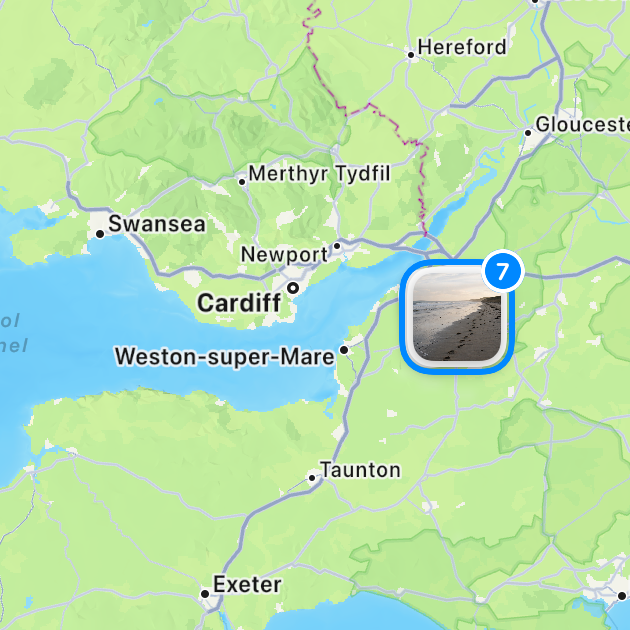
 Notes from the train
Bath
Friday 24 July
Notes from the train
Bath
Friday 24 July
On This Day
Memories from the same date across previous years, alongside gallery, mood and map.

A nudge where you will see it
Each reminder can remain a notification or become a task in your Orbit list. Write the entry and the task clears itself.
Explore OrbitDrivable from the keyboard
…and many more, on Mac and on iPad with a keyboard.
Siri and Shortcuts
Write it down without opening the app.
Echo's journal actions work from Siri and the Shortcuts app, so a thought reaches the right day whether or not you are looking at your journal.
-
 Siri
Siri
-
 Shortcuts
- Append to today. One tap adds a line to today's entry, starting it if there isn't one.
- Search and open. Find an entry by phrase, or jump to a lens like On This Day.
- Locked entries stay locked. They come back without their text, never with it.
The Delete Journal Entries shortcut bypasses Recently Deleted and always confirms. It is deliberately not a spoken phrase, because a misheard request should not be able to start permanent deletion.
Why it exists
Somewhere to think that is yours.
Echo is built for the ordinary entry: short, unpolished, written on a Tuesday, and worth keeping anyway. Starting one takes a tap, and On This Day, moods and photos give you reasons to come back.
It is made for people who have tried journalling before and stopped, and want a journal that is easy to come back to.
Support and contact · Version history · Privacy
Questions
A few useful answers.
Can I dictate without changing the entry straight away?
Dictate records on your device and lets you review the raw transcript or optional cleanup. Only Use Raw or Use Cleaned inserts text into the entry.
How do the journal and entry locks differ?
The journal lock gates the writing area and new entries. Individual entries can also be locked, revealed for a session and re-locked from the padlock menu.
Can I keep my journal local or take it elsewhere?
iCloud sync is optional. Export Journal creates a portable archive with text and media. Read how Echo protects your data, including the limits of standard CloudKit storage.
The rest of the family