

Medley doesn’t play music itself. It asks Music to play, and follows what Music does. The one exception is the 30-second previews in the Inbox, Listening, Grow and artist pages, which Medley plays itself: Music pauses while a preview plays and carries on afterwards.
Playing from Medley
Open a playlist and choose Play or Shuffle, or play any song from any list. An artist’s page plays their songs, most played first. On a Mac, Music plays the song within its playlist, so the playlist carries on after it.
The Now Playing bar
The bar along the bottom of every page shows the song Music is playing, its controls and how far in it is. Drag along the progress line to move through the song.
The bar’s playlists chip says how many of your playlists hold the song, and how many more it might fit, such as “In 2 playlists, might fit 3 more”. Choose it to see them.
With nothing playing, the bar stays, ready. Play something in Music and it fills in.
Now Playing
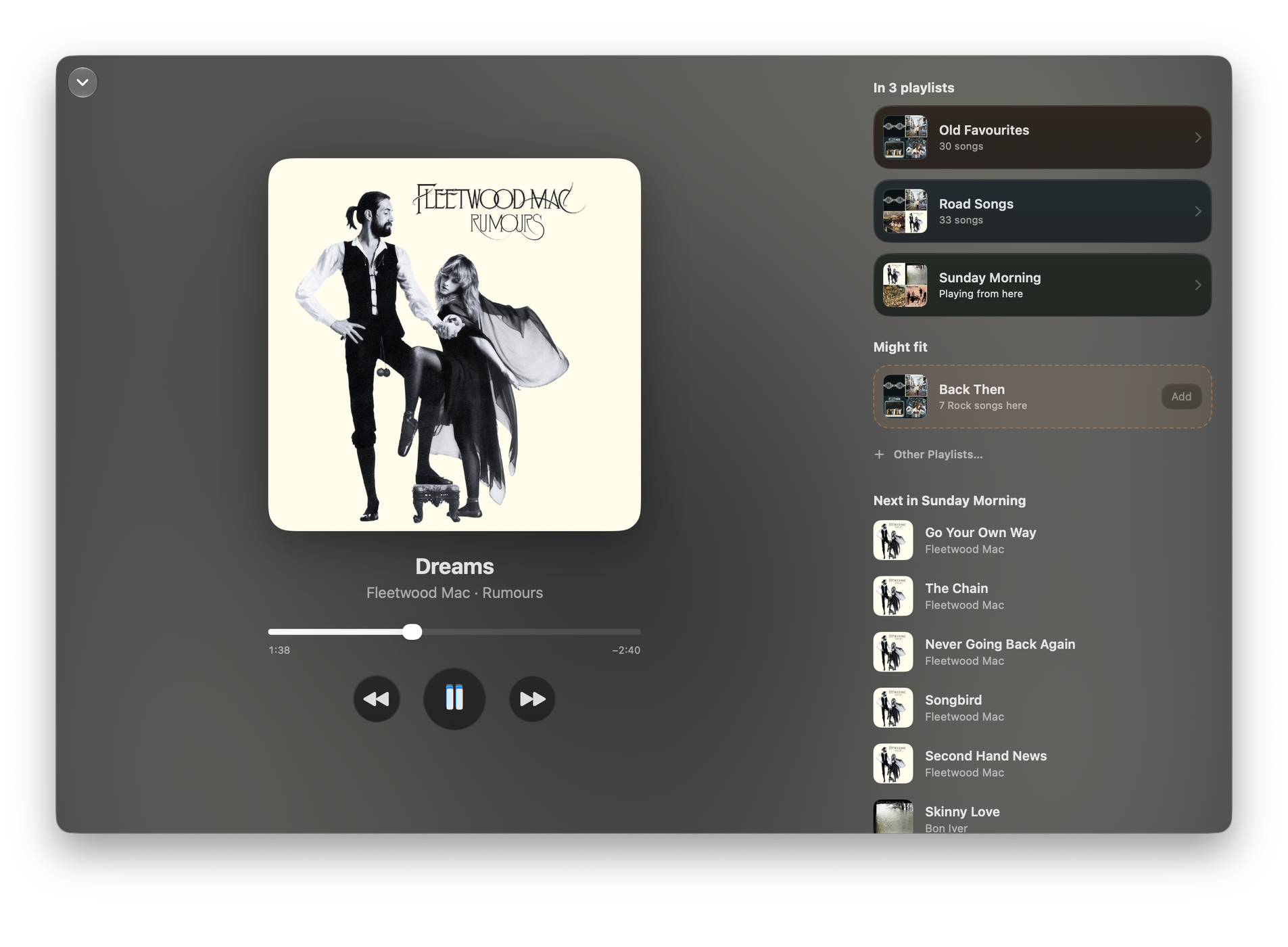
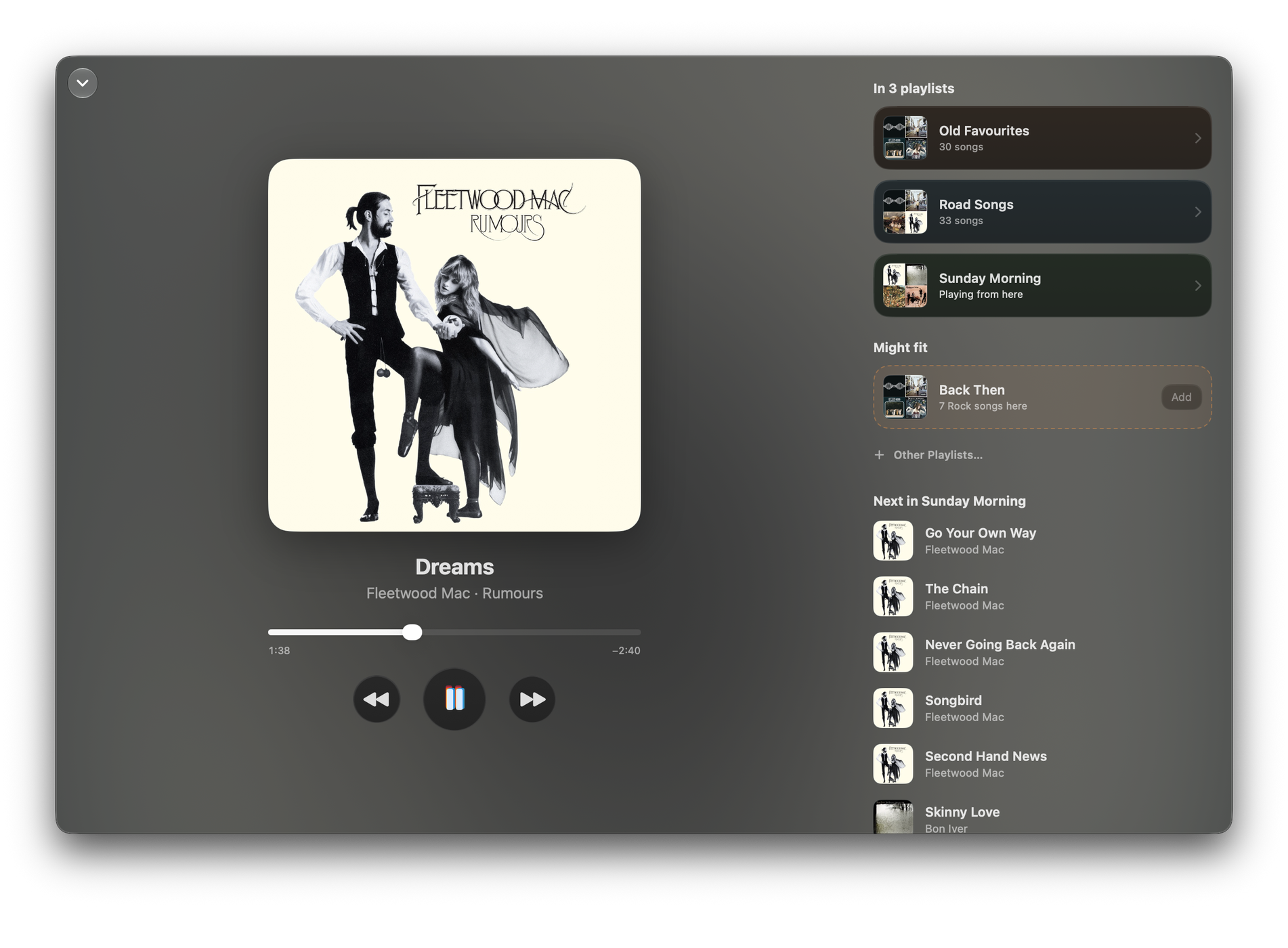
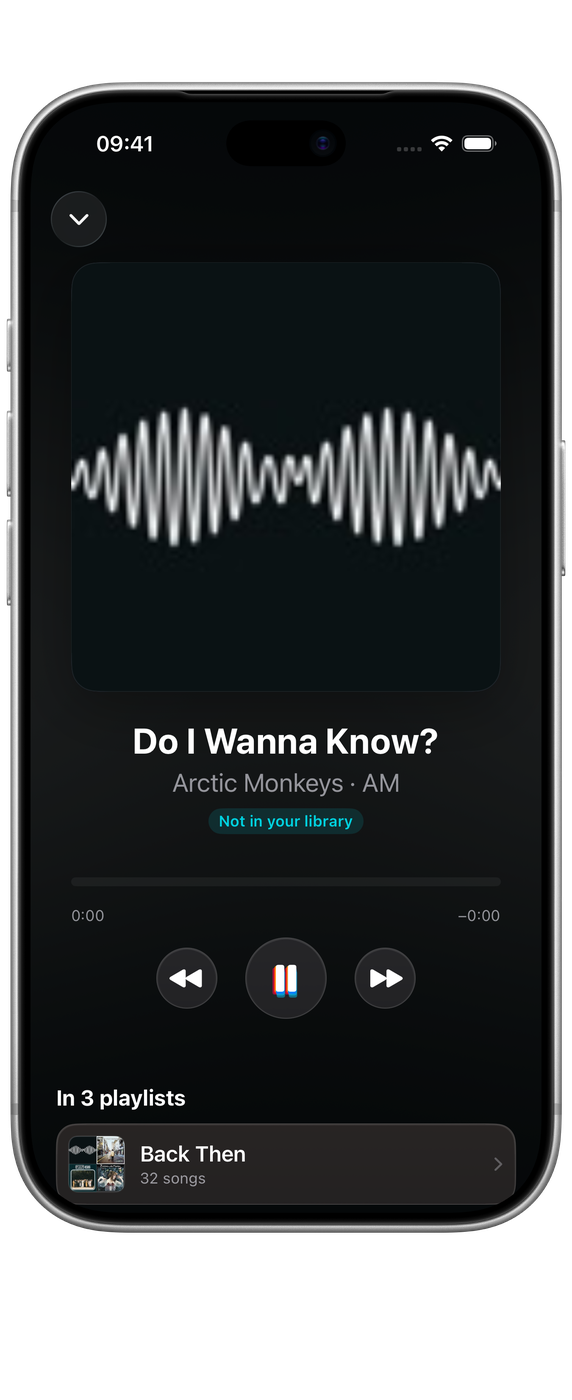
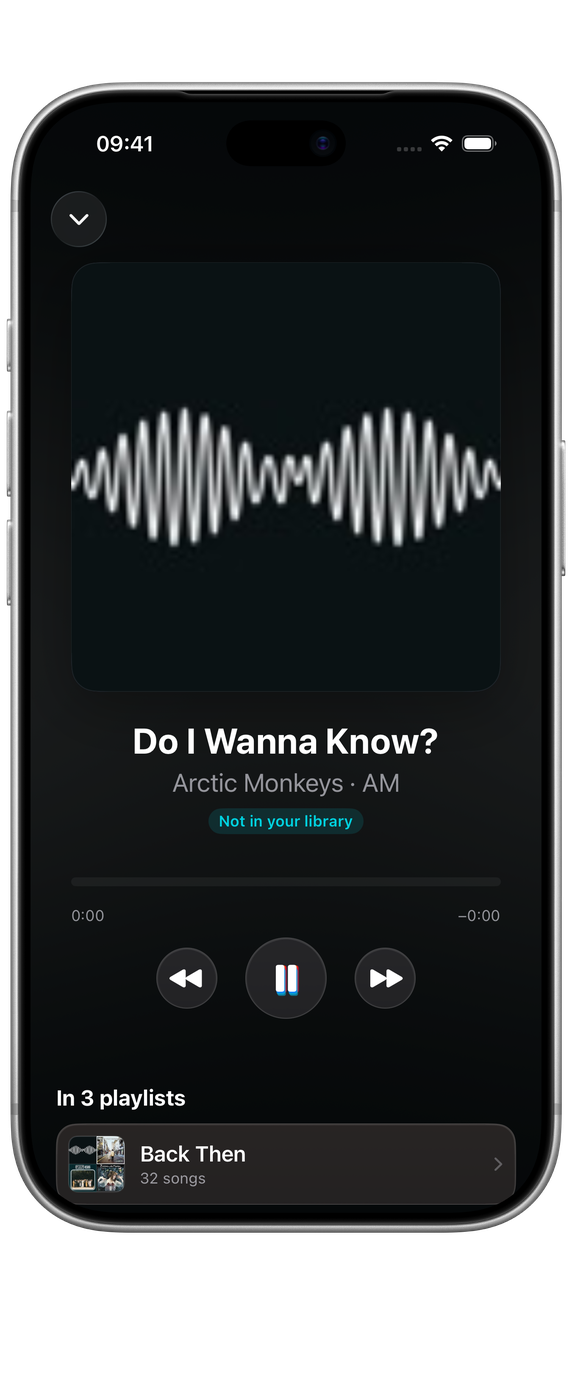
Choose the bar to open Now Playing over the whole window: the cover, the song, progress and controls, and beside them:
- In 2 playlists (with your numbers): each playlist that holds the song. Choose one to open it. The one Music is playing from says Playing from here.
- Might fit: playlists the song would suit, from where that artist’s other songs already live. Choose + to add it, with Undo on the line that follows. Other Playlists… lists the rest.
- Next in the playlist Music is playing, with Play from here on any song. When Music is playing your whole library it says Next in Your Library. While Music shuffles, it says so, because Music doesn’t share which song comes next.
Choose the artist or album name under the title to open that artist’s page, or the album’s songs on it.
To close Now Playing, choose the down arrow or press Esc. On iPhone, swipe down. On a Mac, pull down with two fingers on the trackpad: let go past a third of the way, or with a flick, and it shrinks back into the bar.
Permission to control Music on a Mac
The first time you play from Medley, macOS asks whether Medley may control Music. If you said no, the bar says “Medley needs your permission to control Music”. Choose Allow… to open System Settings ▸ Privacy & Security ▸ Automation, and turn on Music for Medley.
Settings ▸ Library shows whether Control Music is allowed.
Elsewhere
- On a Mac, the menu bar shows the song and its playlists, with a tick to add it to more. See Medley in the menu bar.
- The Now Playing widget shows the song, the playlists it’s in and controls.
- Siri answers “What’s playing in Medley” with the song and its playlists. See Siri, Shortcuts and widgets.