

Medley saves a copy of your playlists before every change it makes, and once a day as well. Nothing it does to your playlists is lost.


What History shows
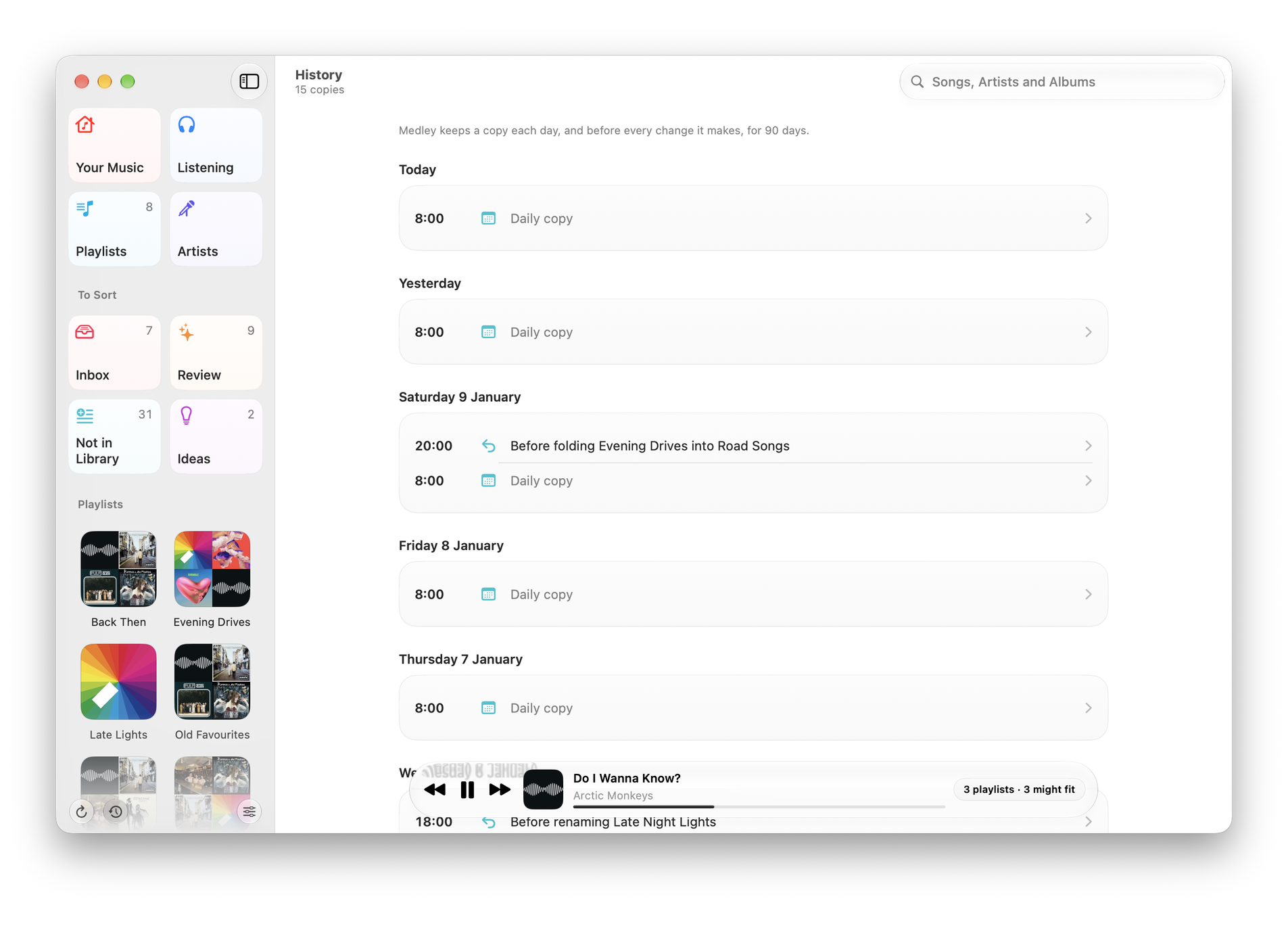
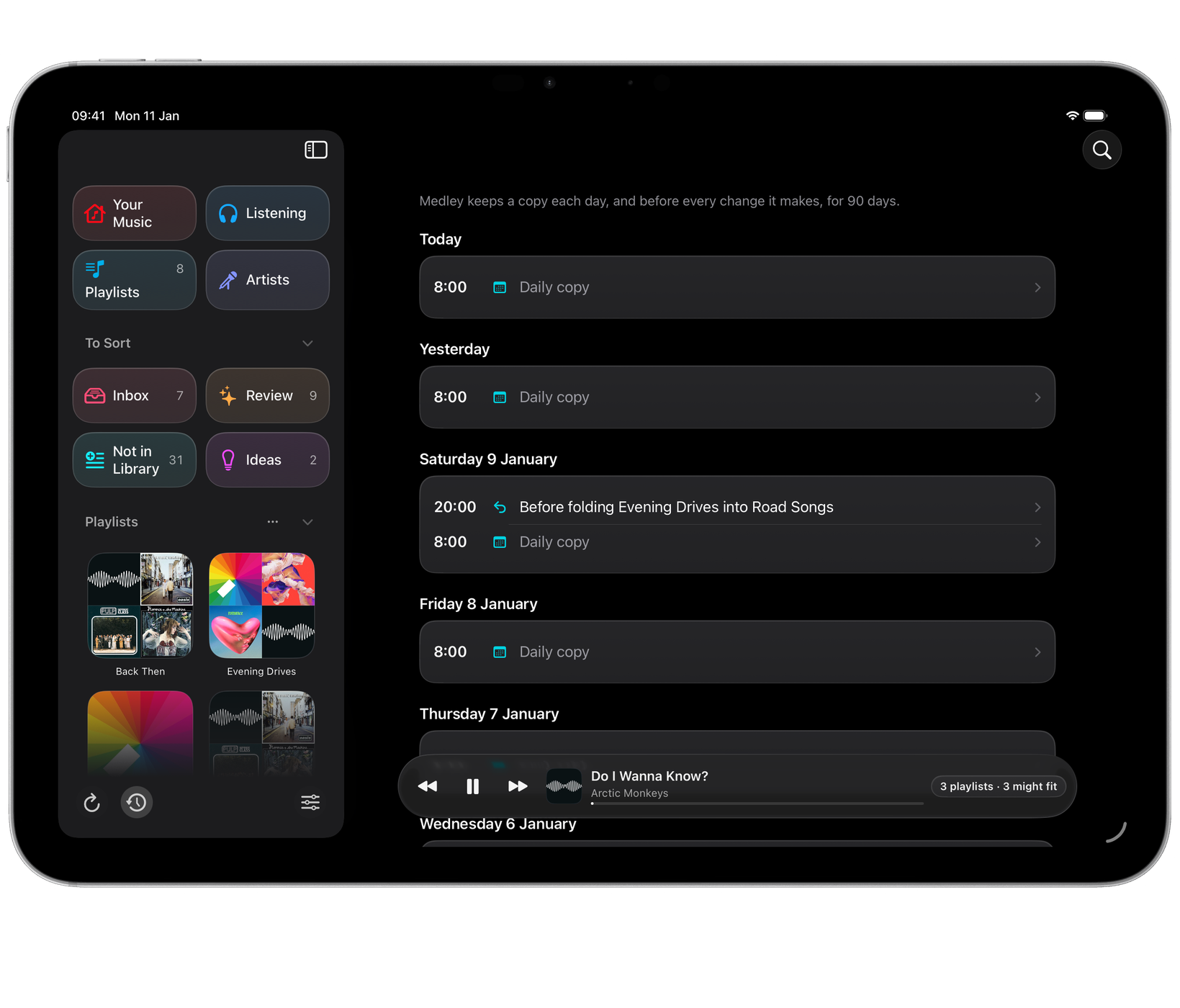
History lists the copies by day, newest first. A daily copy is marked Daily copy; a copy taken before a change says what the change was, such as “merge Summer 2019 and Summer”.
Open a copy to see two things:
- Different now: each playlist that differs between that copy and your playlists today, with Put Back.
- Changed since the copy before: what changed between this copy and the one before it.
Each playlist card says what happened (new playlist, deleted, renamed from another name, songs added, removed, withdrawn by Apple Music, or reordered). Open a card to see the songs by name.
Because there is a daily copy, History also shows changes made outside Medley, in Music or on another device.
Put Back
Put Back makes a playlist exactly as it was in that copy: the same songs, in the same order, with the same name. Medley asks first, then saves a copy of your playlists before putting it back, so a Put Back can itself be undone from History.
Put Back works in Medley on your Mac, and only on your own playlists. On iPhone and iPad, Apple doesn’t let apps take songs out of a playlist, so History there shows what changed and Put Back says to use your Mac.
A deleted playlist can be made again with its songs in order, but as a new playlist. Its artwork and any sharing don’t come back.
How long copies are kept
Copies are kept for 90 days. The oldest copy is always kept as a starting point.
History is kept on each device, in Medley’s own storage. It isn’t synced, and resetting Medley’s settings doesn’t touch it.
Listening’s count of your plays is kept separately and isn’t trimmed after 90 days. See Listening, Suggest Less and Grow.
Changes made elsewhere in Medley
Ticking a song into or out of a playlist from the menu bar or an artist’s page, and making a playlist from a draft, save a copy first too.
Adding a song to a playlist with Siri or Shortcuts goes through the same steps as the app, so History saves a copy first. Changes made by a connected AI client on a Mac are saved to History too, under the client’s name. See AI access for Claude and other clients.