

On a Mac, links in an article open right in Beacon when Settings ▸ Reading ▸ Open links in is set to In Beacon. Clicking an article’s title opens its original page the same way.
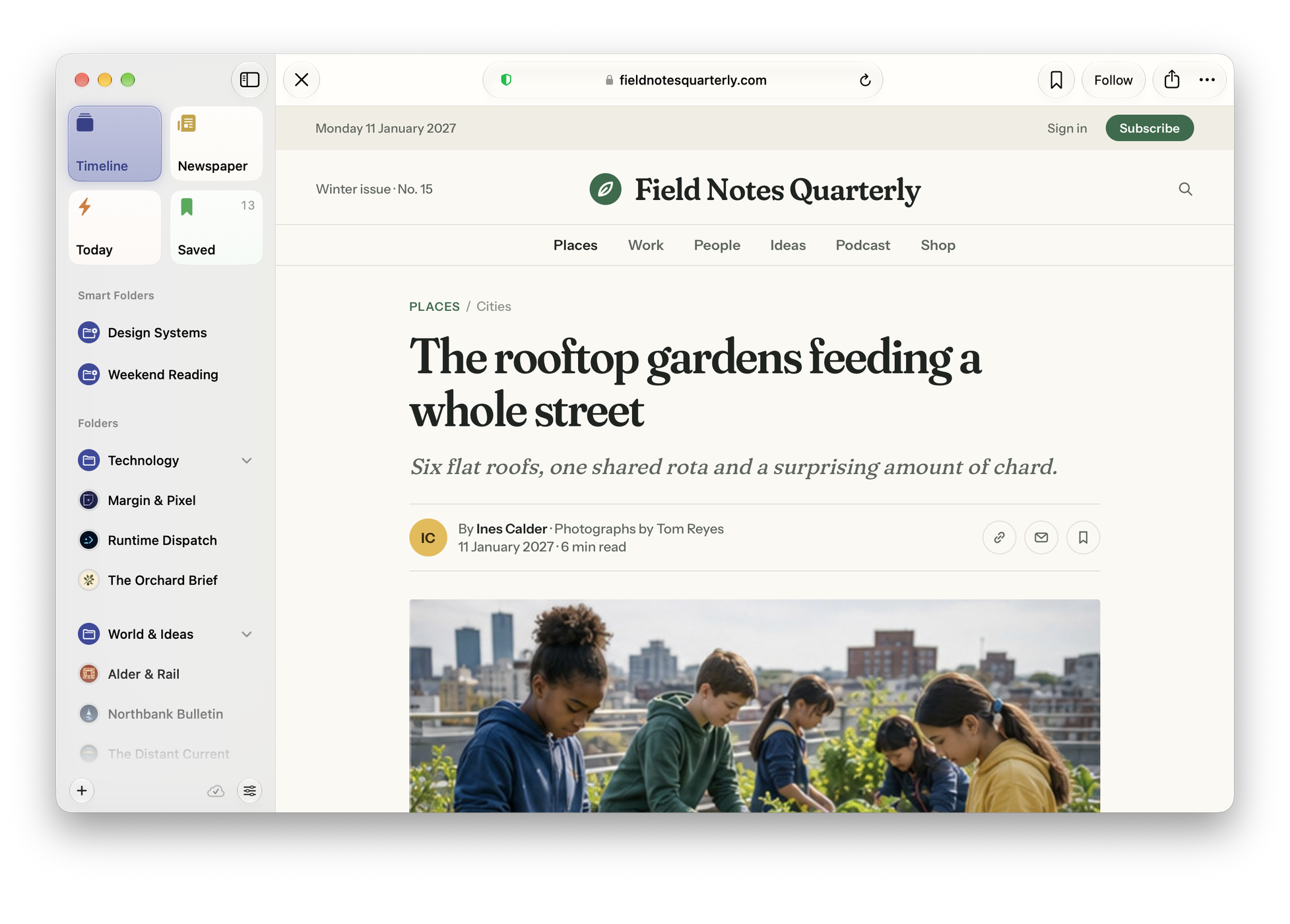
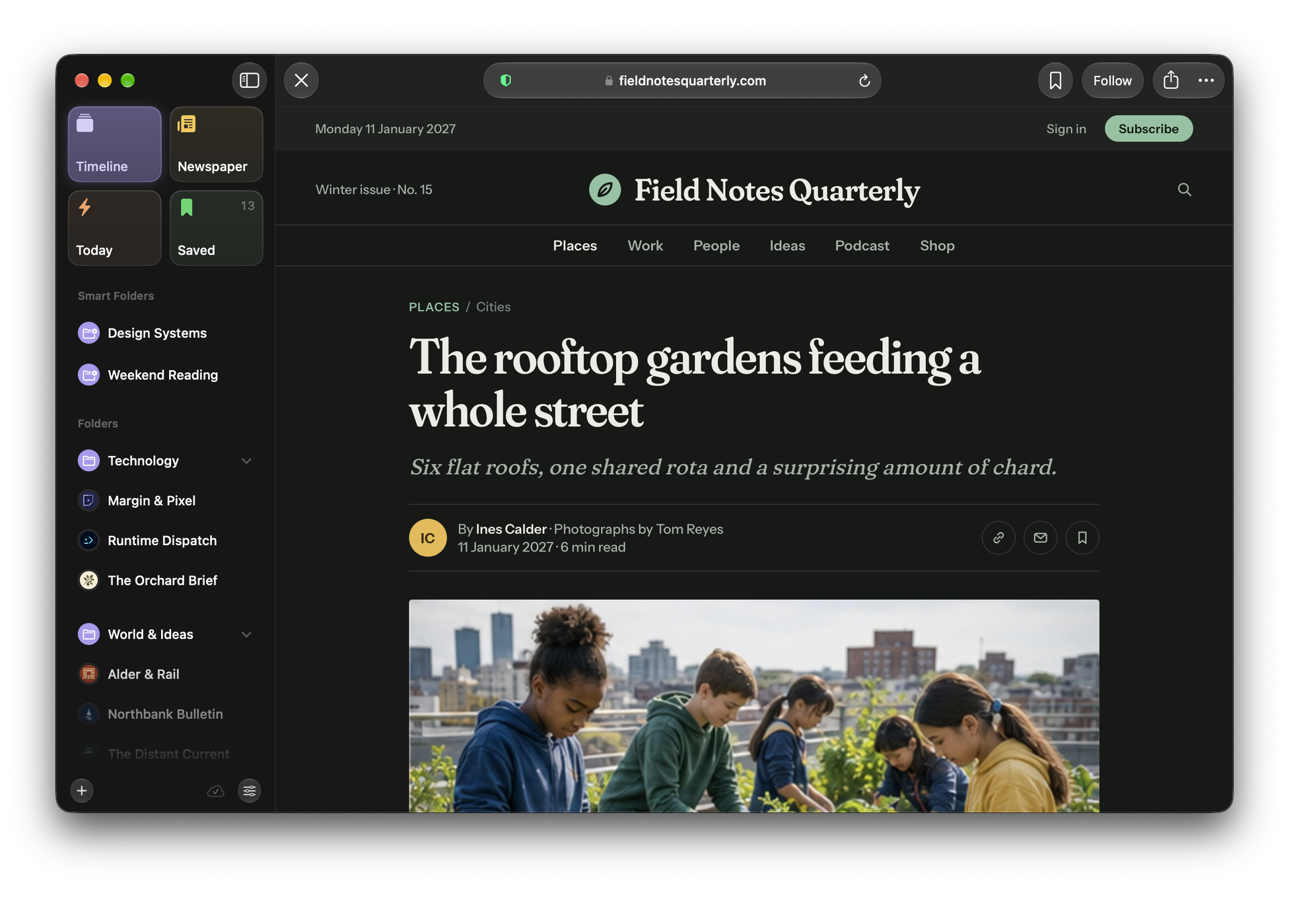
The browser’s toolbar
The page takes the width of the list while it is open; Escape or ✕ at the far left closes it and brings the list back where it was.
- Back and Forward appear once there is somewhere to go.
- The address sits in the middle with the site’s name. Click it, or press ⌘L, to read or edit the whole address.
- Share, Save and More: Open in your browser, Copy Link, Find on Page and zoom.
| Action | Shortcut |
|---|---|
| Close the page | Escape |
| Back, Forward | ⌘[, ⌘] |
| Reload | ⌘R |
| Edit the address | ⌘L |
| Find on Page | ⌘F |
| Zoom in, out, actual size | ⌘, ⌘-, ⌘0 |
Ads and trackers
Pages opened in Beacon block ads, trackers and cookie prompts, using the EasyList, EasyPrivacy and EasyList Cookie lists. The shield in the address shows whether blocking is on for this site and lets you turn it off there, if a site needs it. Block Ads and Trackers on This Site in More does the same. Settings ▸ Reading ▸ Content Blocking has the details.
Follow a site from its page
When the page you are reading has a feed you do not follow yet, Follow appears in the toolbar. It opens the Follow form with the feed already found, so you can check the preview, choose a folder and follow it. Once you follow it, the button goes.
Save any page
Save keeps the page in Saved. If it is one of your feeds’ articles, it is saved as that article; any other page is saved on its own, with its title, summary and picture, and opens straight to the page from Saved.
To save pages from Safari and other apps, use Beacon in the Share sheet (see Save to Beacon from Safari and other apps).