

Many feeds publish only a summary. Beacon can fetch the full article and present it in its own reading view, so you rarely need to leave for a browser.
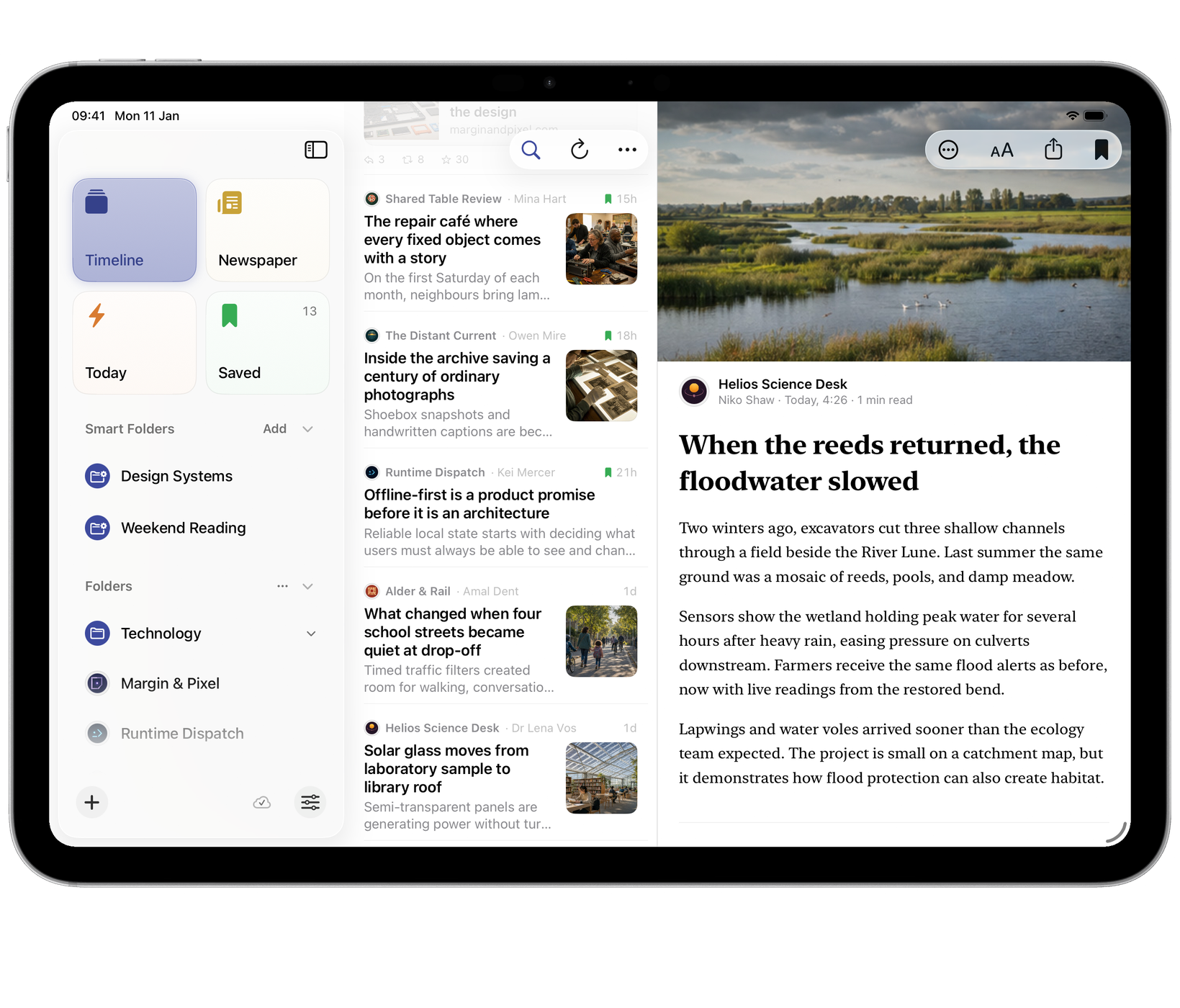
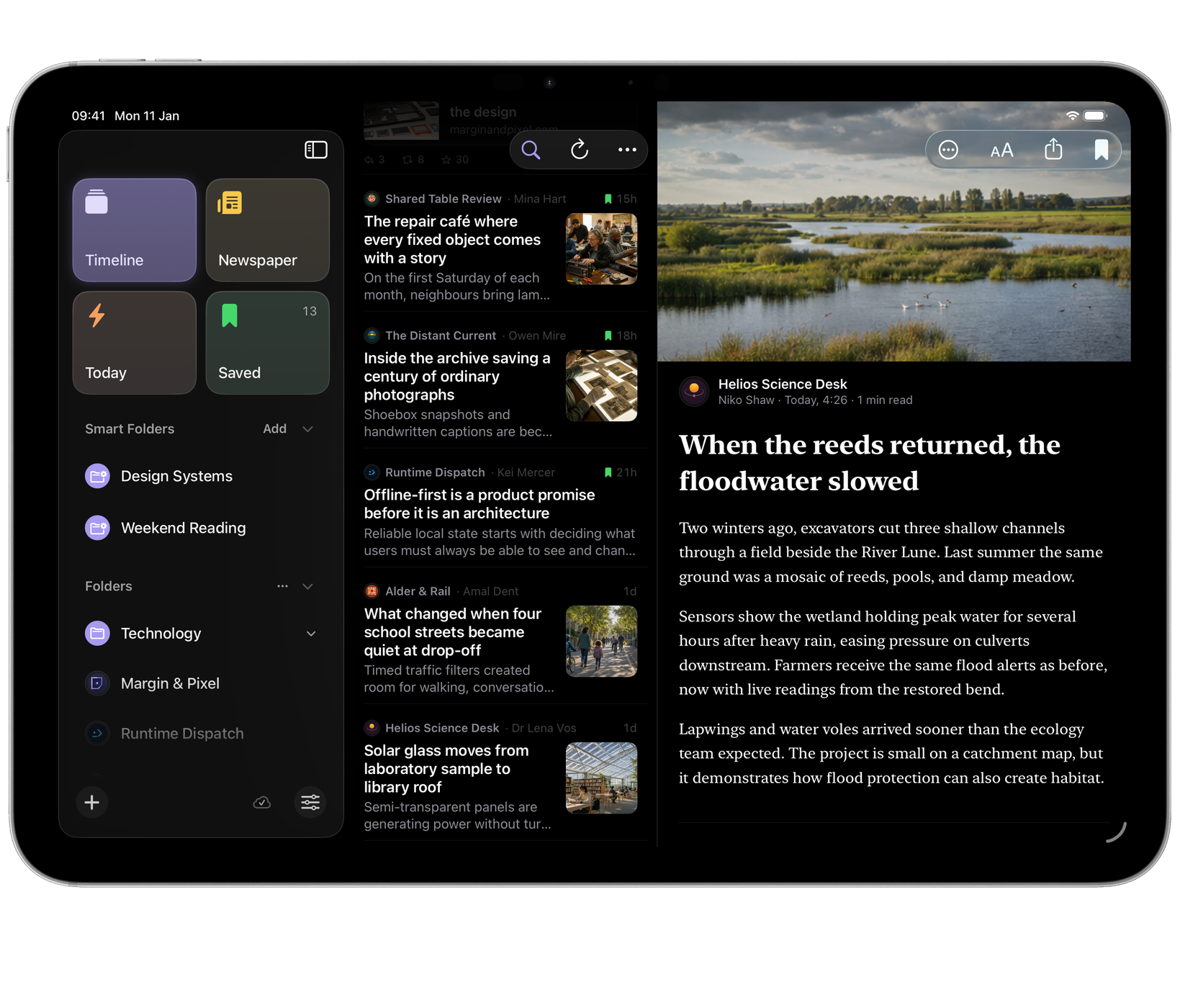
The Reading sheet
Tap Aa in the reader’s toolbar (or click it on Mac) for Reading. Changes apply as you make them:
- Article Text: Full Article, the extracted article in Beacon’s typography, or Feed Text, exactly what the feed published.
- Article Header: Cover Photo runs a wide lead photo edge to edge above the title; Classic keeps the photo in the text.
- Font, Title Weight, Text Size and Line Spacing.
- Line Length, on iPad and Mac, where there is room for it.


Use Full Article for extracted full text. Use Feed Text when the publisher already provides the complete article or extraction is inaccurate.
The same choices are in Settings ▸ Reading. Sync Reading and Fonts decides whether they follow you between devices. On Mac, ⌘ and ⌘- adjust the size while reading, and ⌘0 returns to normal.
The article’s header and foot
The header shows the source, then the author, when it was published and how long it takes to read. Tap the source’s name to open that feed.
Every article ends with Open Original, with the site’s address beside it. ⌘Return does the same on Mac.
Listen
To hear an article read aloud, open it and choose Listen from the ⋯ menu. Beacon reads the title, then the article a paragraph at a time, leaving out pictures, code and tables. While it reads, a bar at the foot of the article has play and pause, back and forward a paragraph, Speed, and stop. Stop Listening in the same ⋯ menu ends it too.
Beacon picks the best voice on your device for the article’s language. For a more natural voice, download one in Settings ▸ Accessibility ▸ Spoken Content ▸ Voices (on a Mac, System Settings ▸ Accessibility ▸ Spoken Content).
Links
Settings ▸ Reading ▸ Open links in decides what happens when you follow a link out of an article: In Beacon, or in Safari or your browser. On Mac, In Beacon opens the page in Beacon’s own browser (see Browse in Beacon on Mac).
Grouping by day
Choose Group by Day from a list’s ⋯ menu to add Today, Yesterday and date headings. It makes a busy library feel paced rather than endless, and each place remembers its own choice.
Layout
Settings ▸ Layout ▸ Preferred Layout chooses how many panes Beacon shows on iPad and Mac. On a Mac the three-pane layout suits a large window.
An incomplete or repeated article
Try Feed Text if the full article is missing a paragraph or formatting. Try Full Article if the feed supplies only a summary. Use Open Original when the publisher requires a login or the extracted version is still incomplete. Beacon cannot supply content the publisher does not make available.
Beacon leaves out of the article what isn’t part of it, such as a repeated headline, shopping lists, sign-offs and script text. If a particular feed still shows something out of place, include the feed and article addresses in a report so we can check that source.
Reading without a connection
Content already fetched can remain readable, but a full article or image that has not been downloaded still needs a connection. Saved articles are protected from normal age-based clean-up; saving is not a guarantee that every linked page and image is stored offline.