

The mini player
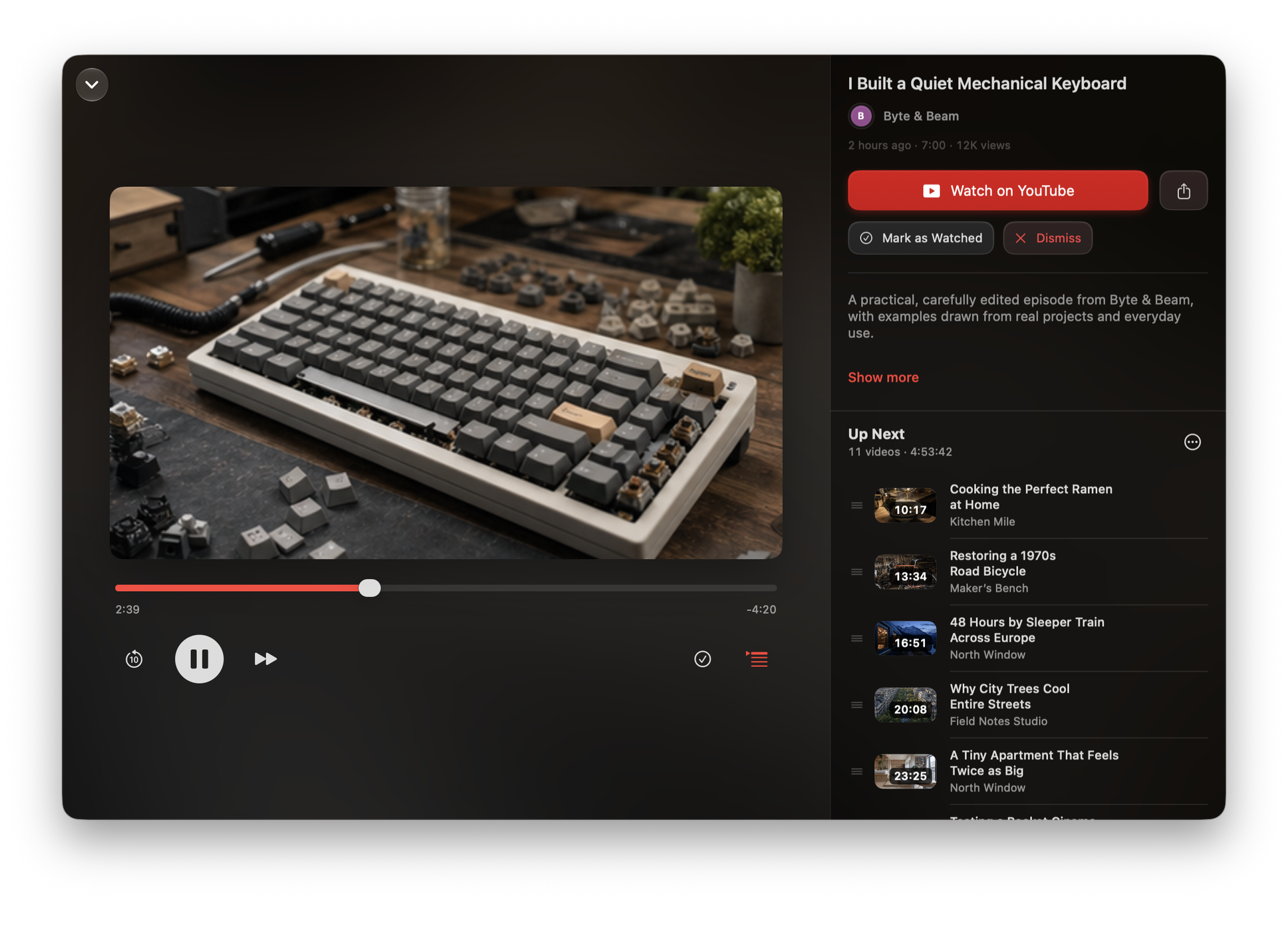
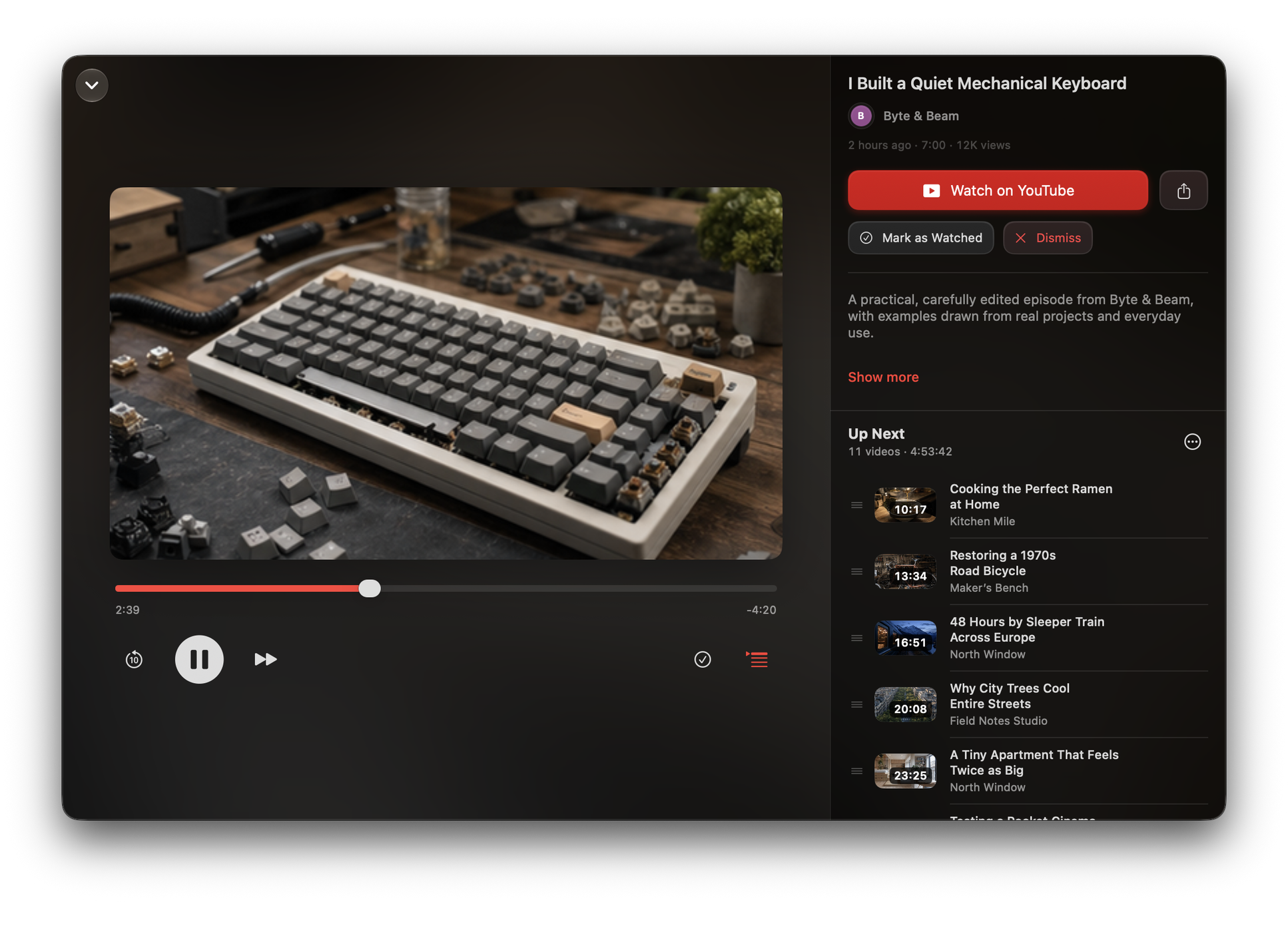
The mini player remains available as you move through the app. Expand it for the full player.
Now Playing
Watchlist provides Now Playing metadata and scrub and skip controls to Control Centre, the Lock Screen and the Mac menu bar.
| Action | Shortcut |
|---|---|
| Now Playing | ⇧⌘F |
| Next video | ⌘→ |
| Skip back 10 seconds | ⌘← |
| Play now | ⌥⌘Return |
Play a collection
Open a collection and choose Play. Watchlist starts its first saved video and places the remaining saved videos at the front of Up Next in the same order. Review and watched videos are not included.
To add the saved videos without starting playback, choose Collection options ▸ Add All to Up Next. Playback does not automatically advance when a video ends.
Where playback comes from
Playback uses YouTube’s embedded player. Watchlist never downloads video or audio. It is a way of organising what you watch, not a way of taking it offline. If a subscription ends, videos already in your queue can still be played or opened in YouTube.
Ads and YouTube Premium
Ads are controlled by YouTube’s embedded player. If you have YouTube Premium, you can sign in at Settings ▸ YouTube ▸ YouTube Account. Playback, ads and recognition of that subscription remain controlled by YouTube. If playback does not behave as expected, try opening the same video on YouTube.
Signing in is entirely optional and is not needed to follow channels. When you sign in, Google and YouTube receive the normal web request and may store cookies in Watchlist’s private web-data container. Signing out clears that data.
When playback ends
Watchlist does not automatically start the next video or show a recommendation panel when playback ends.
A video will not play in Watchlist
Before starting its embedded player, Watchlist checks whether the chosen video permits embedding and is not designated Made for Kids. This check needs a connection and must still be current when playback starts.
If the check fails, is unavailable or does not approve playback, use Open in YouTube. A private, removed, age-restricted or region-restricted video may also be unavailable on YouTube itself. Refresh and try again if the connection was interrupted; adding your own API key does not bypass playback checks.
Offline use
Your saved library helps you decide what to watch, but Watchlist does not save the video or audio. Playing a queued video still needs an internet connection.