

Orbit provides three kinds of organisation, each with a different scope.
Spaces, for projects
A Space is a project: a website launch, a house move, a term. It has its own name and icon. Tasks in a Space still appear in the global time views.
Create a Space from the sidebar, then drag tasks into it or use the Space chooser in a task’s detail view.
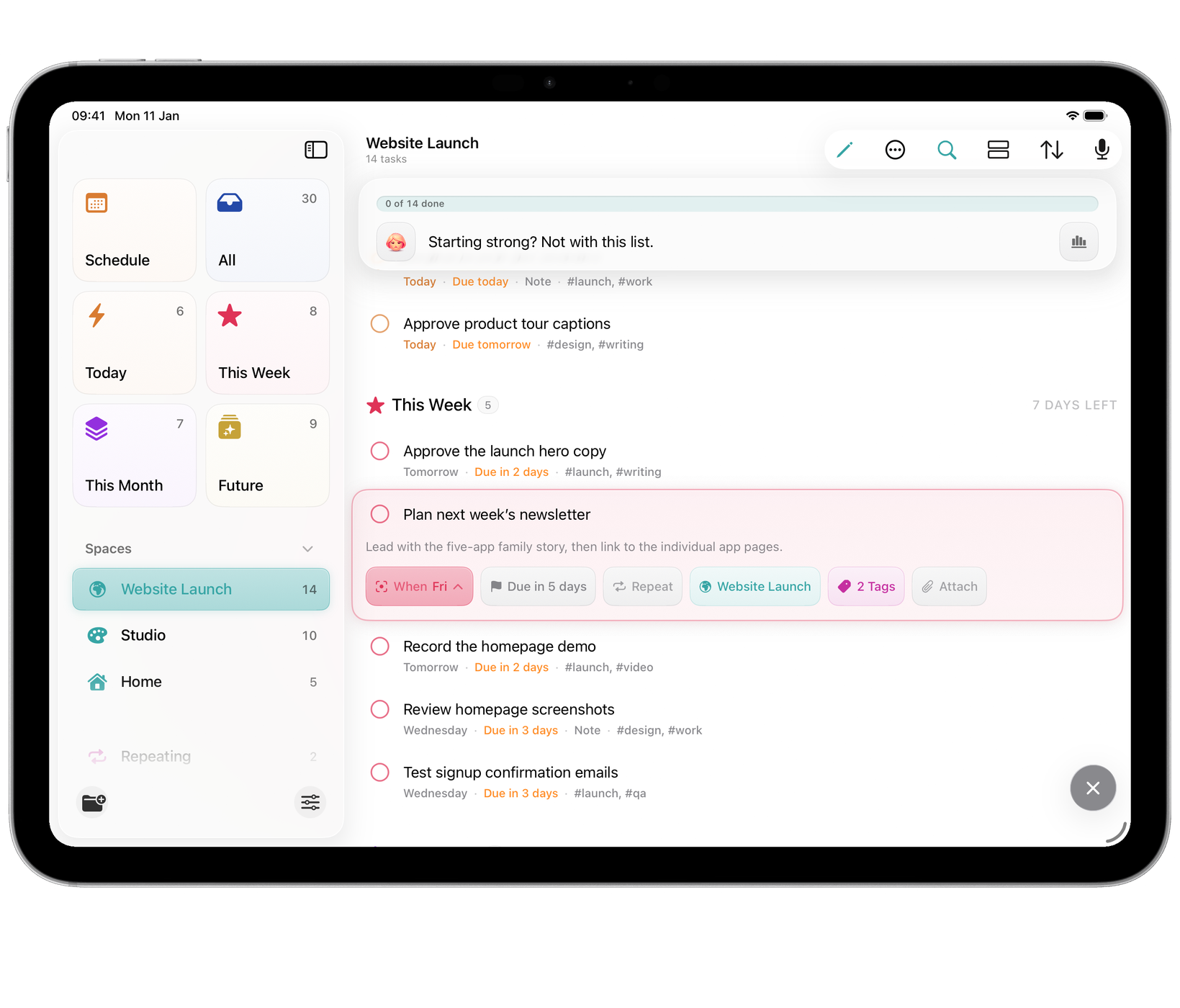
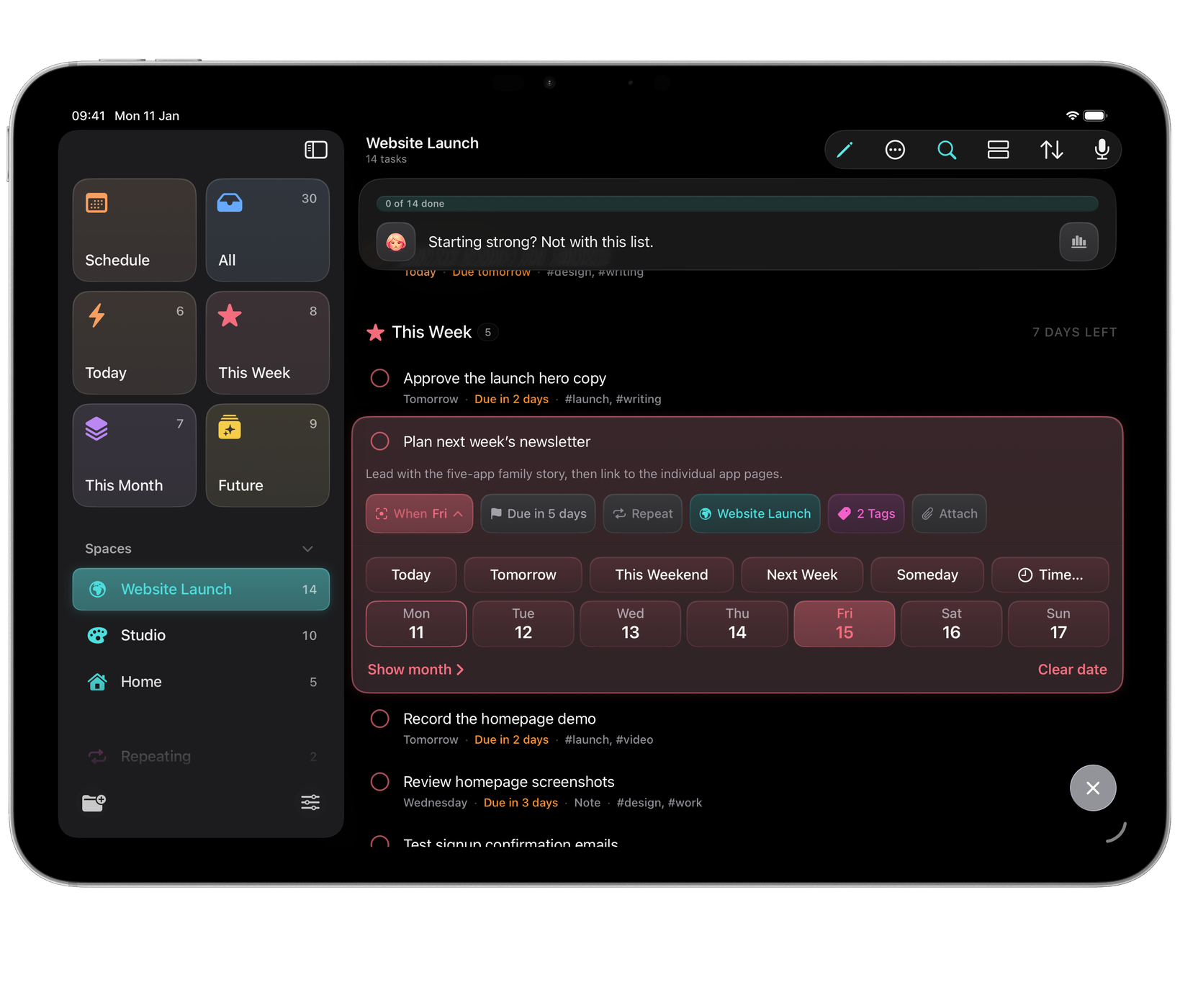
Create as many Spaces as the way you work needs.
While Schedule is open on a Mac, the sidebar holds the small month and Upcoming, and your Spaces are under the … pill at the top.
Tags, for themes
A tag cuts across everything. #calls, #waiting, #errands: the kind of grouping that never belongs to one project. Add a tag by typing #calls while you capture, or from the task detail.
Manage tags in Settings ▸ Tags, where you can rename, merge and delete them. Automatically Clean Up Unused Tags removes tags that are no longer assigned to a task.
Profiles, for separate libraries
Switching profiles changes the tasks, Spaces and tags shown throughout Orbit. Each profile has a separate library.
Manage profiles in Settings ▸ Profiles, where each gets its own name, colour and icon, and where profiles can be renamed, merged or deleted. The Set Orbit Profile shortcut can switch profile from an automation, so a Focus mode can put you in the right library.
Profiles are unlimited and included with either payment option.
Focus filters
A Focus can narrow Orbit to what that Focus is for. In Settings ▸ Focus, choose a Focus, add Orbit’s filter, and pick a profile, one or more Spaces, and whether to include tasks without a Space.
While that Focus is on, Orbit’s lists, the island, the sidebar counts and the widgets show only those tasks, and Spaces outside the Focus are hidden from the sidebar. A banner names what Orbit is showing; Show All shows everything until the Focus changes. When the Focus ends, everything comes back.
Which should I use?
| The division is… | Use |
|---|---|
| A project with an end | A Space |
| A theme that recurs everywhere | A tag |
| A different part of your life | A profile |