

Repeating tasks
Set a repeat by typing it (every monday, every 3 weeks, every weekday) or from the task’s detail view.
The important choice is what the next occurrence counts from:
- From completion (the default): a weekly task finished on Wednesday becomes due the following Wednesday. Real life does not reset on a schedule, and neither does the task.
- From the due date: the next occurrence lands a fixed interval after the one before, whether or not you finished on time. This is what you want for genuinely calendar-bound things like rent.
A repeat can be given an end: a final date, or a number of occurrences.
Settings ▸ General ▸ Show Next Repeat Early controls whether the upcoming occurrence is visible alongside the current one, or stays hidden until it is due.
Pausing a repeat
A repeating task can be paused and resumed rather than deleted. Pausing keeps the rule and history while stopping new occurrences. Use this for routines you want to pause without losing their rule or history.
Deadlines
A deadline is different from a date. A date says when you intend to do something; a deadline says when it stops being useful. Orbit’s deadline badge changes as the date closes in, so pressure is visible without dominating the list.

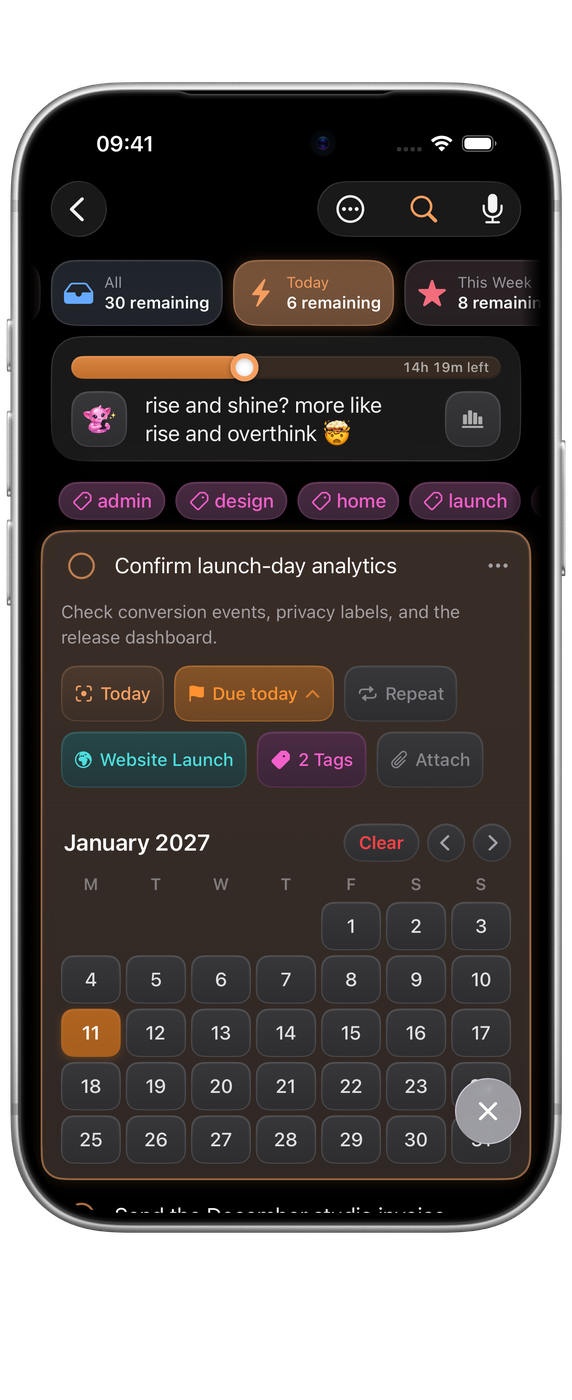
Deadlines can be set, changed and cleared from the task detail, and through Shortcuts with the Set Task Deadline and Clear Task Deadline actions.
Reminders
Reminders are per-task notifications. Type remind me at 8 when you capture, or set one later in the detail view.
Turn notifications on in Settings ▸ Notifications ▸ Enable Notifications. If you decline the system prompt, the same section links straight to the system notification settings so you can change your mind.
Daily summary
Settings ▸ Notifications ▸ Daily Summary sends one notification a day, at the Summary Time you choose, telling you what the day holds. One notification instead of many is the point.
Snoozing
The Snooze Orbit Reminders shortcut silences reminders for a while without turning notifications off. It is useful as an automation, for example tied to a Focus mode.