

Echo offers six ways to return to what you have written, each organised around a different question.

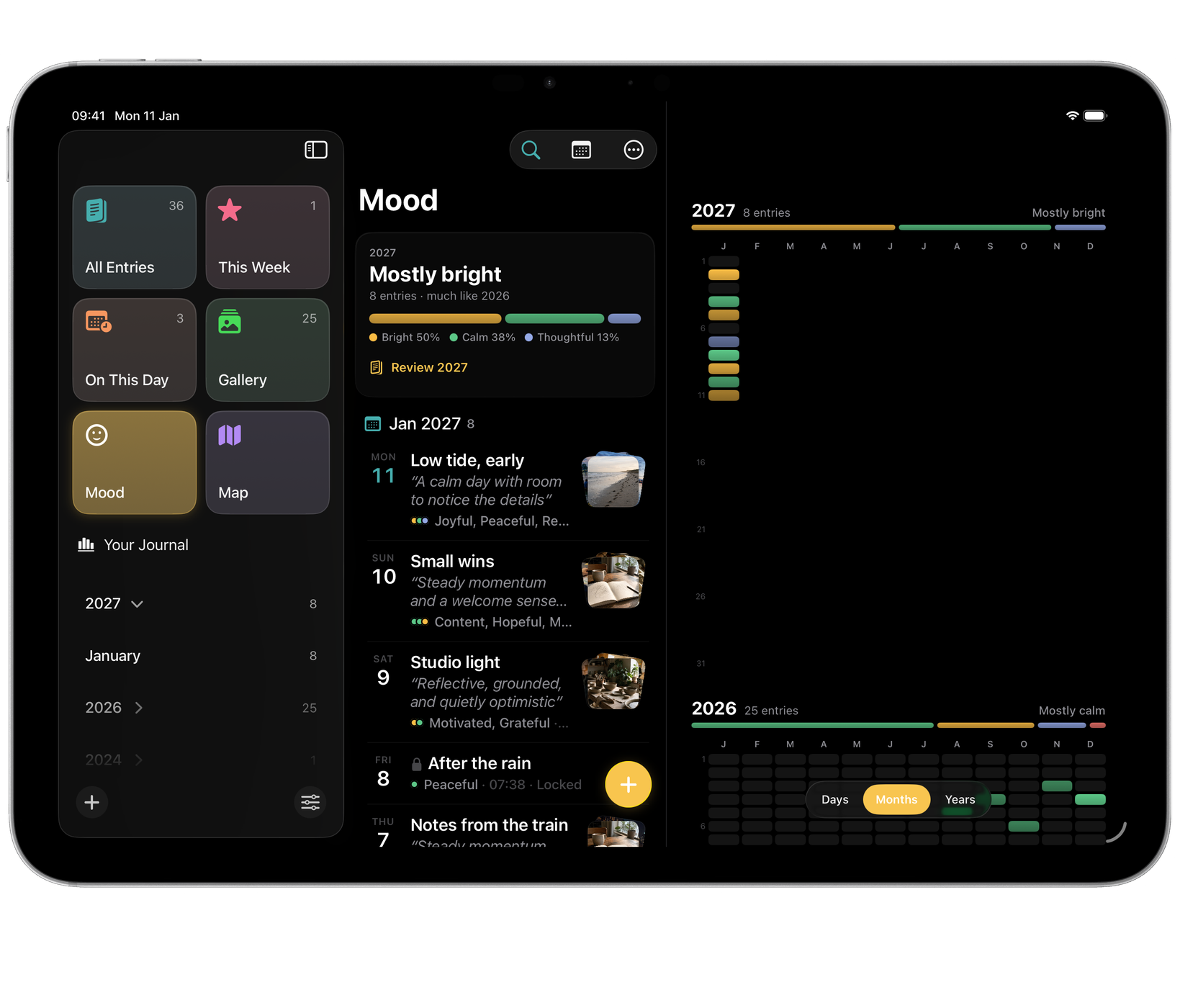

| Lens | The question it answers | Shortcut |
|---|---|---|
| All Entries | What have I written? | ⌥⌘1 |
| This Week | What has this week been like? | ⌥⌘2 |
| On This Day | What was happening a year ago? | ⌥⌘3 |
| Gallery | Show me the pictures. | ⌥⌘4 |
| Mood | How have I actually been? | ⌥⌘5 |
| Map | Where was I? | ⌥⌘6 |
On This Day
Surfaces what you wrote on this date in previous years. On iPhone and iPad, Settings ▸ Reminders ▸ On This Day can send a notification when there is something to see.
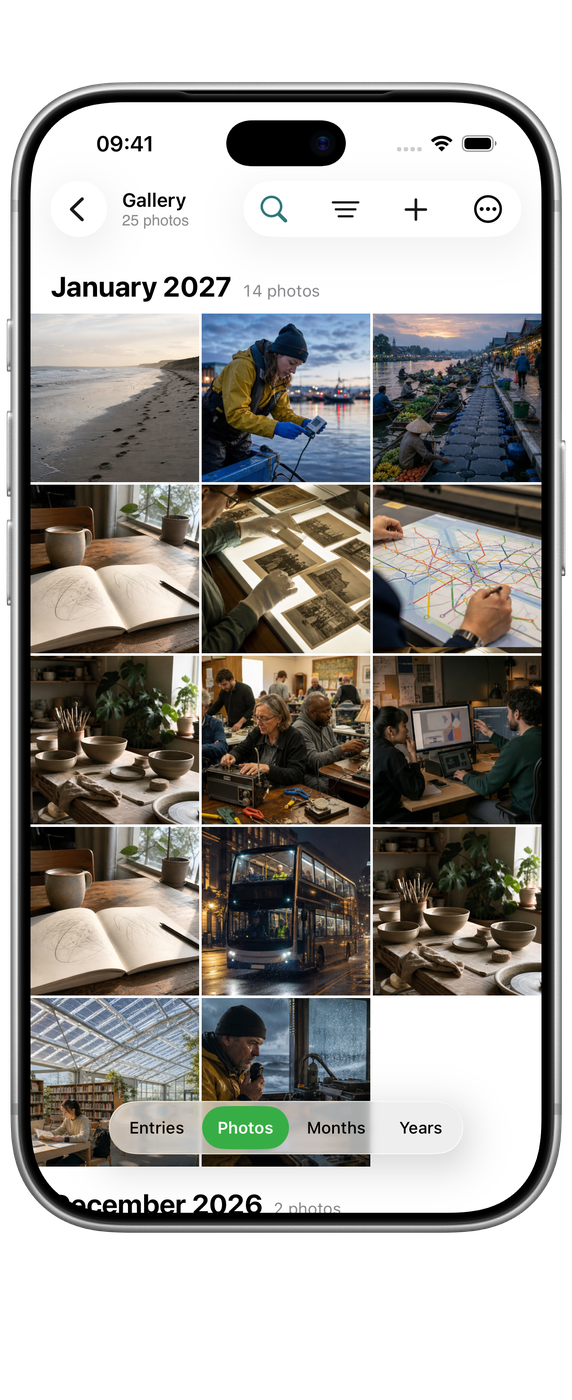
Gallery
Gallery is every photo and video you have kept, arranged by time. Choose how close to look at the top: Entries, Photos, Months or Years. Pinch, or press ⌘ and ⌘- on Mac, to move between them. Open a picture to see it full size, then go to the entry it belongs to.
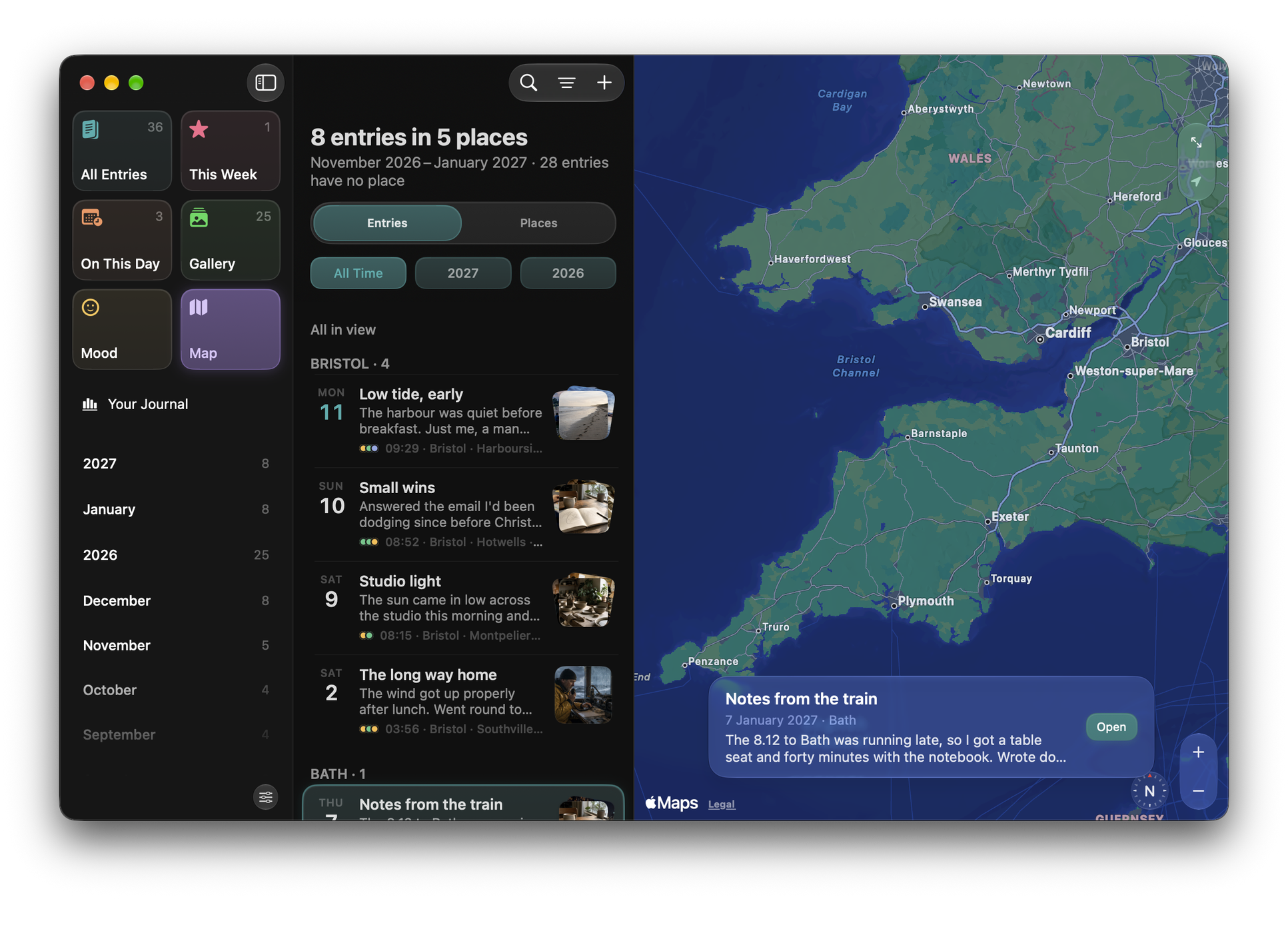
Map
Map puts your entries where they were written, with a photo on each place that has one. It has its own time filter: All Time, or one year. Select a place to see its entries, and open one from there. On Mac and iPad the list sits beside the map; on iPhone it rises from the bottom.
Map needs your entries’ places. Settings ▸ Privacy ▸ Automatically Add Metadata records where you are when you write, or you can add a place to an entry yourself in its Details. Entries without a place do not appear on the map.

Mood
Mood colours your days by how they felt, as Days, Months or Years. See Mood for how moods are recorded.
Searching
⌘F searches your entries directly, at any time.
Opening a lens from elsewhere
The Open Echo Lens shortcut opens Echo straight to any of the six, so a Home Screen button or automation can drop you into On This Day each morning.