

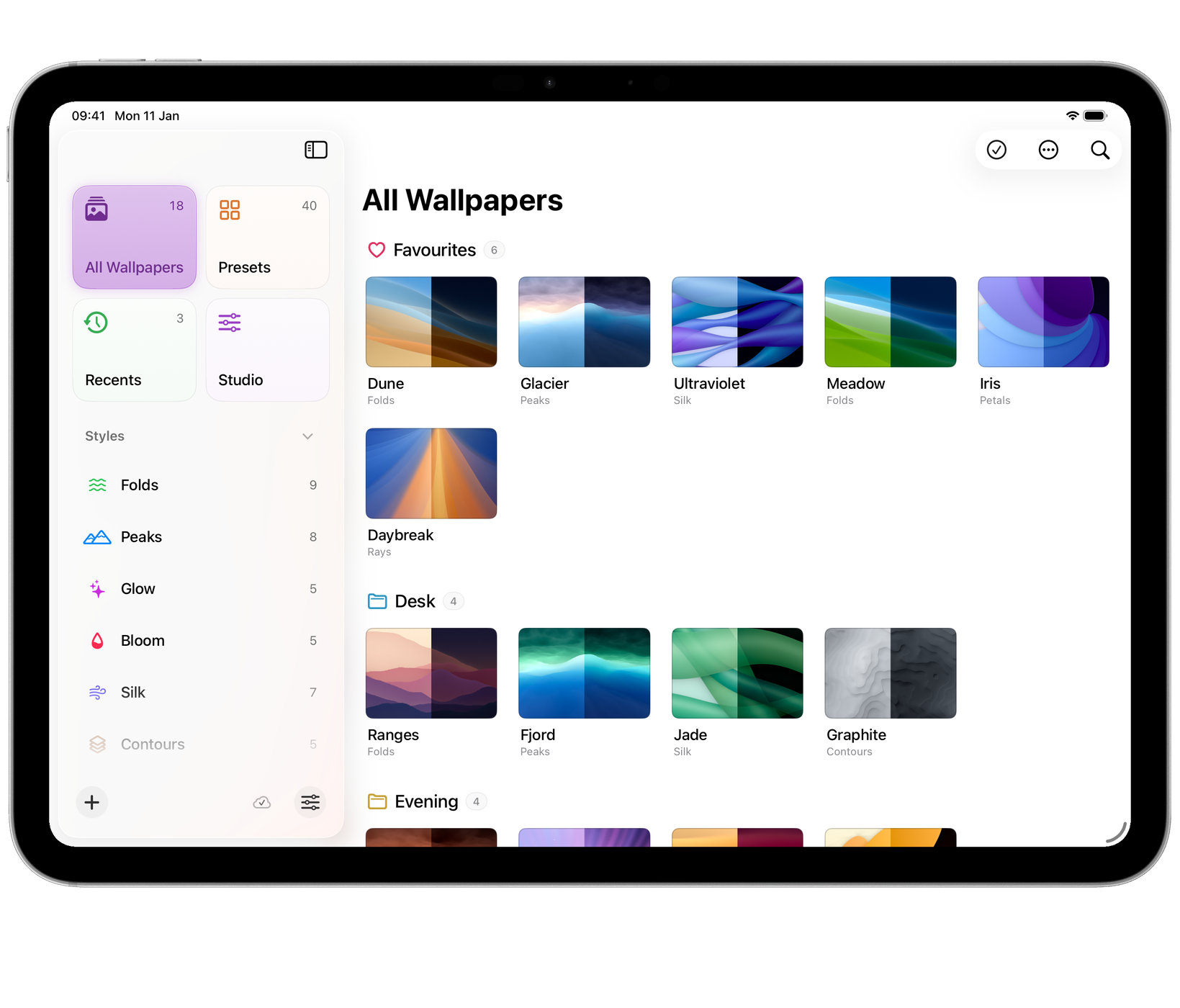
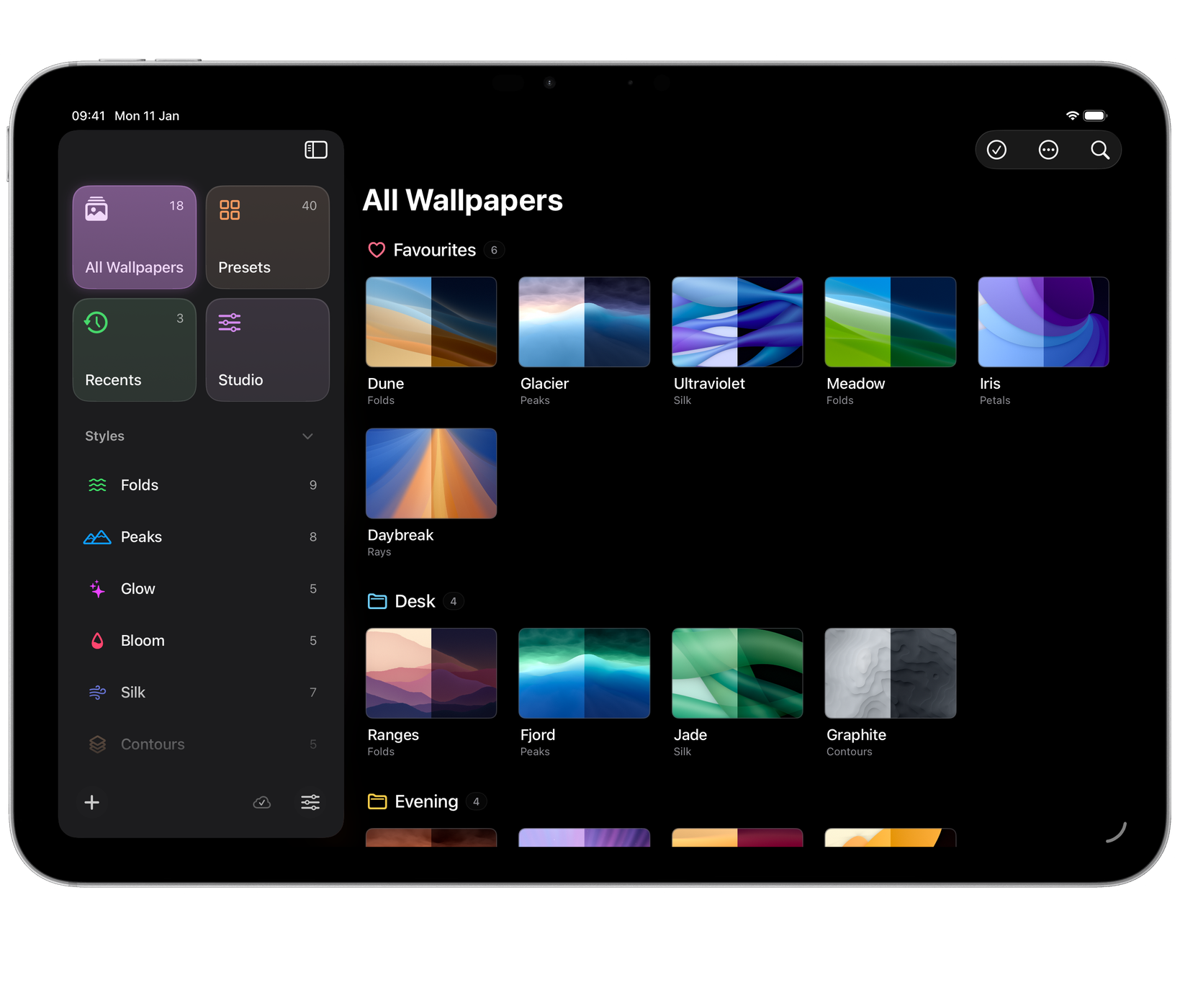
A collection is a group of saved wallpapers. All Wallpapers shows every collection together.
Saving into a collection
- In the Studio, the heart saves to your first collection and the menu beside it saves to any other.
- In a gallery, drag wallpapers onto a collection in the sidebar. Saved ones move there, recents are saved there and presets are copied there.
- Use New Collection… to make one.
Selecting
On a Mac, click to select and double-click to edit. Command-click adds or removes one wallpaper, Shift-click selects a run, and dragging across blank space draws a selection rectangle.
On iPhone and iPad, a tap opens a wallpaper. Choose Select from the gallery’s More menu to choose several, with the actions along the bottom.
Rename, duplicate, move, export and delete are in the context menu: right-click on a Mac, or touch and hold on iPhone and iPad.
Thumbnail size
Pinch a gallery to make the thumbnails smaller or larger. On a Mac the View menu has Smaller Thumbnails, Actual Size and Larger Thumbnails as well. The size is remembered.
Recents
Recents keeps the last 24 wallpapers you made and moved on from without saving. Open one to carry on with it, or save it to a collection. Clear Recents empties the list.
Passing a design on
Export as Aurora File… writes a wallpaper, or a whole collection, to a small file. Whoever opens it in Aurora gets the design itself, so they can change it and make it at the size of their own screen.
Opening an Aurora file, or choosing Import…, adds its contents as new copies. A collection arrives as a collection, and single wallpapers go into one called Imported.
Deleting
Deleting a saved wallpaper removes it from your library on every device that syncs. Deleting more than one asks first. It cannot be undone.