

Watchlist works without your own API key. It reads public RSS feeds for titles, channels, links and publication dates, and uses a limited Wells Code lookup for @handles, legacy /user/ links and video links. A separate managed video check determines whether embedded playback is permitted; if it cannot verify a video, you can open that video on YouTube.
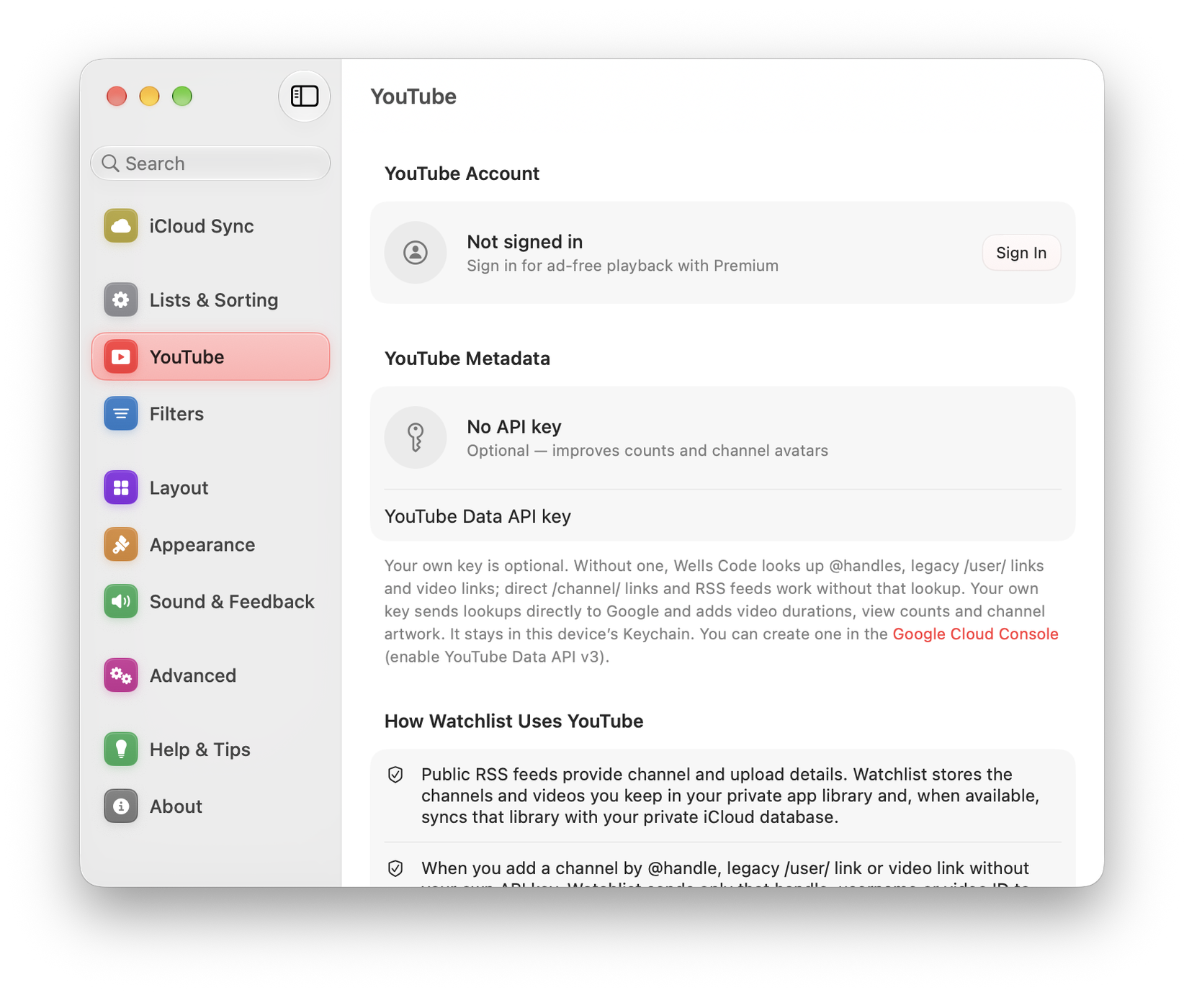
Your own API key adds the details RSS does not carry. When you use one, handle, legacy-username and video-link lookups also go directly from your device to Google instead of through Wells Code.
What the key adds
- Video duration: which also makes sorting Watch by duration useful.
- View counts
- Channel artwork: without a key, each channel shows a coloured disc with its initial instead.
Getting a key
You can create a key in Google Cloud Console. Google’s current quotas and billing terms apply:
- Sign in at the Google Cloud Console.
- Create a project, or select one you already have.
- Enable the YouTube Data API v3 for that project.
- Create an API key credential.
- Copy it into Watchlist at Settings ▸ YouTube ▸ YouTube Data API Key.
Then run Settings ▸ YouTube ▸ Enrich Videos & Channels to fill in the metadata for what you already have.
Where the key is stored
In your device’s data-protection Keychain. Watchlist sends the key directly to Google’s API. Removing the key stops future Data API requests.
If enrichment stops working
Google applies usage quotas. If durations and view counts stop filling in:
- Check the quota usage for your project in the Google Cloud Console.
- Confirm the YouTube Data API v3 is still enabled.
- Confirm the key has not been restricted to referrers or IPs that exclude your device.
Quota availability is controlled by Google. Without your own key, channel lookup and playback use the managed checks described above; following, Review and sync still work.
Missing durations or artwork
RSS does not supply every detail. Without a working enrichment key, duration and view-count fields may be absent, and sorting by duration cannot fill in unknown lengths.
API-supplied metadata stops appearing after 29 days unless refreshed. Check the key and quota, then run Enrich Videos & Channels while online. The saved video link and your queue are separate from that optional metadata.