

Circle syncs through your own private iCloud account. There is no Wells Code account and no Wells Code server.
What is synced
- Your circles, and who is in them
- Stars and their hand-made order
- How often you keep up with each person
- Catch-ups
- Your settings and quick-action overrides
What is not synced to iCloud
- Names
- Phone numbers
- Email addresses
- Postal addresses
- Photos
- Birthdays
Circle does not store those contact fields. Apple Contacts holds them, and Circle reads them on each device.
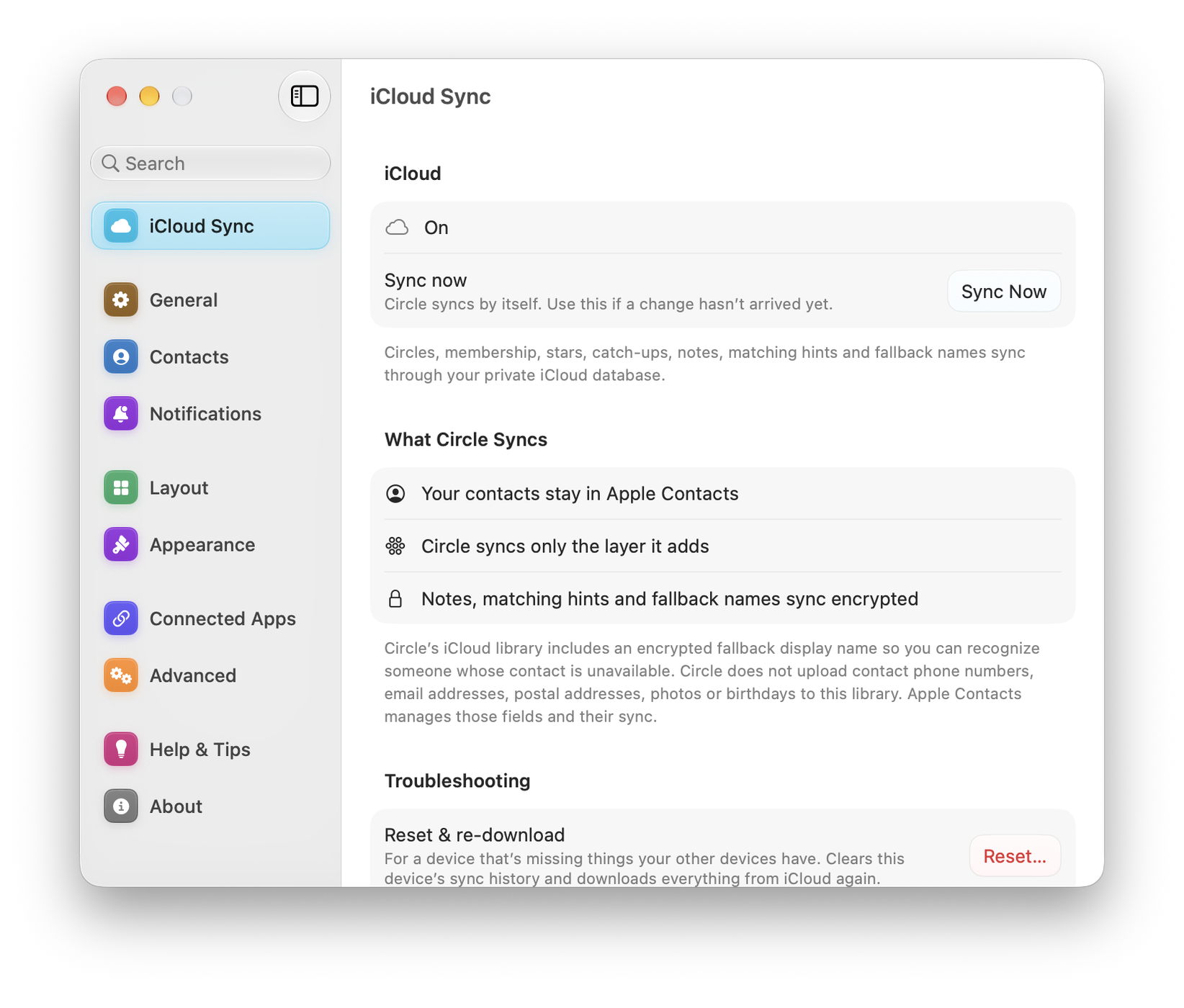
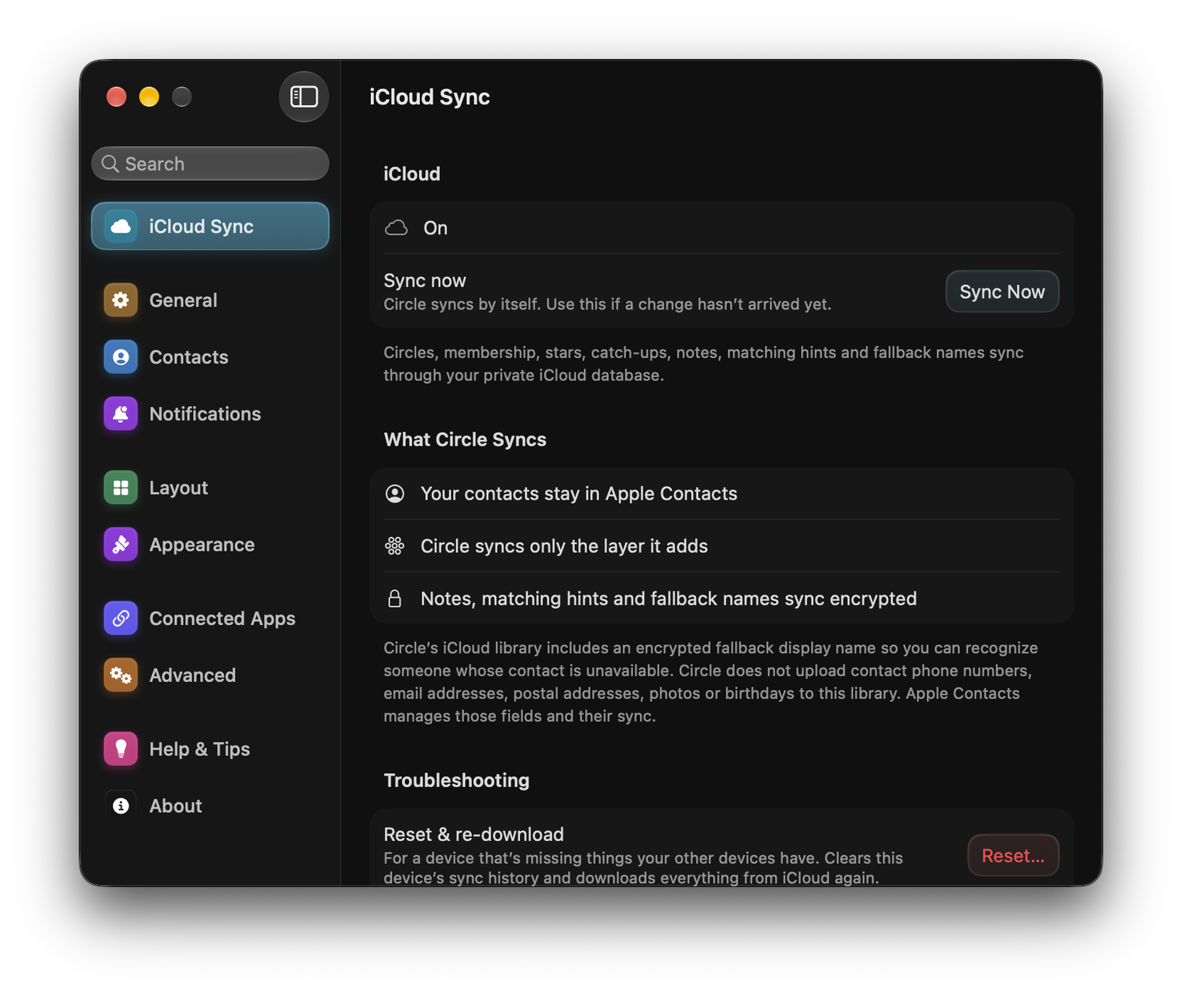
You can see exactly this in the app: Settings ▸ Sync ▸ What Circle syncs spells out the boundary, and Settings ▸ Data ▸ Library counts shows how many records exist.
Checking sync
Settings ▸ Sync shows the current iCloud status and offers Sync now. If devices disagree, Reset & re-download, under Troubleshooting, rebuilds the local copy from iCloud. It asks before it runs.
If you have more than one iCloud account in play, Use this iCloud account tells Circle which one to adopt. See Fixing iCloud sync for the full troubleshooting sequence.
Starting over
Settings ▸ Data ▸ Erase all data removes Circle’s layer everywhere. This does not delete contacts from Apple Contacts.