

Circles
A circle is any group you actually think in: Family, close friends, the football group, work. There is no fixed taxonomy, because nobody’s relationships fit one.
A person can be in as many circles as fit. Someone can be family and in the football group without you having to choose.

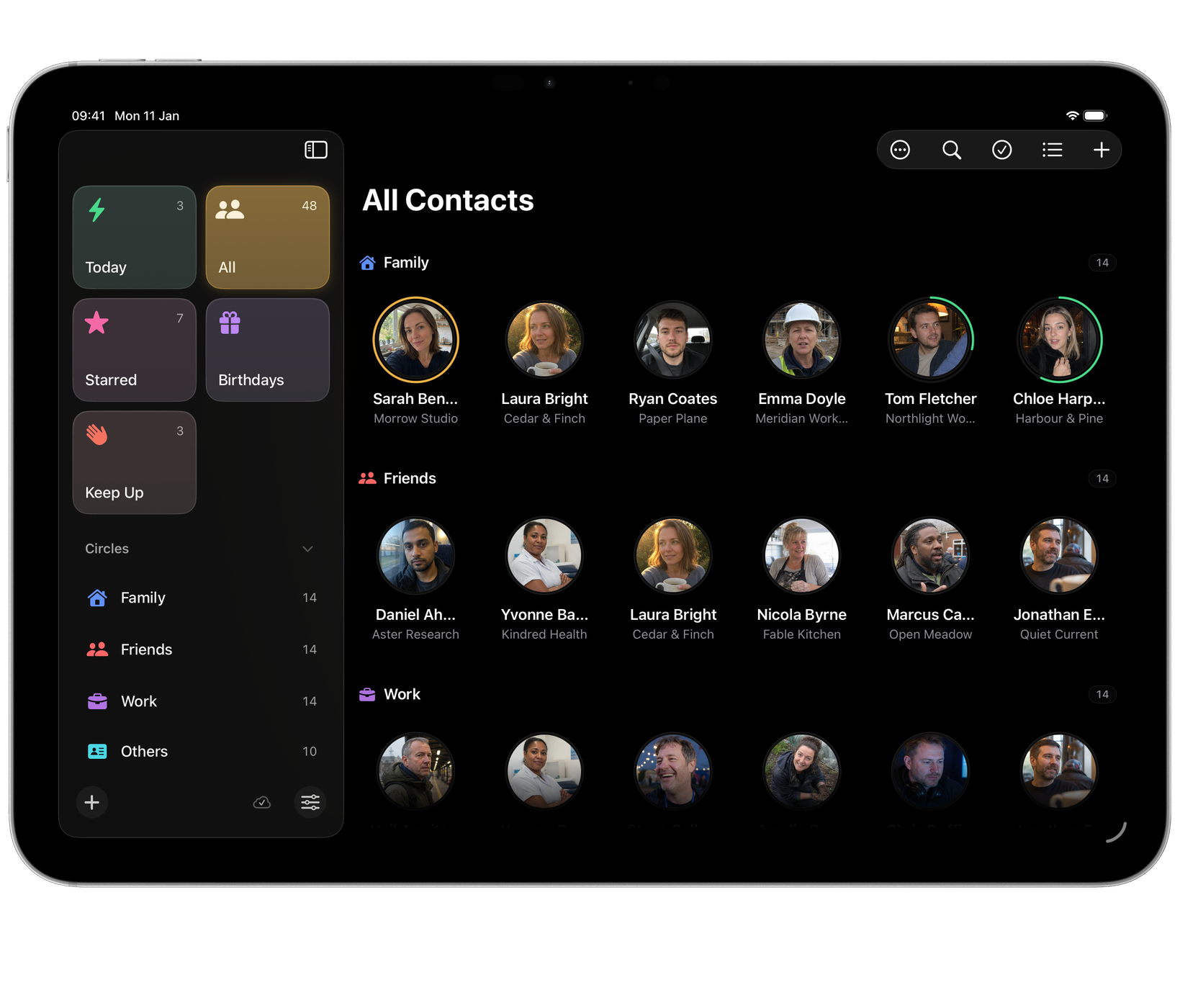
Create as many circles as the relationships in your life need.
Ordering circles
Drag circles in the sidebar into the order you want, usually closest first. Inside a circle, choose Sort By ▸ Your Order in the View menu to put its people in your own order too.
Starred
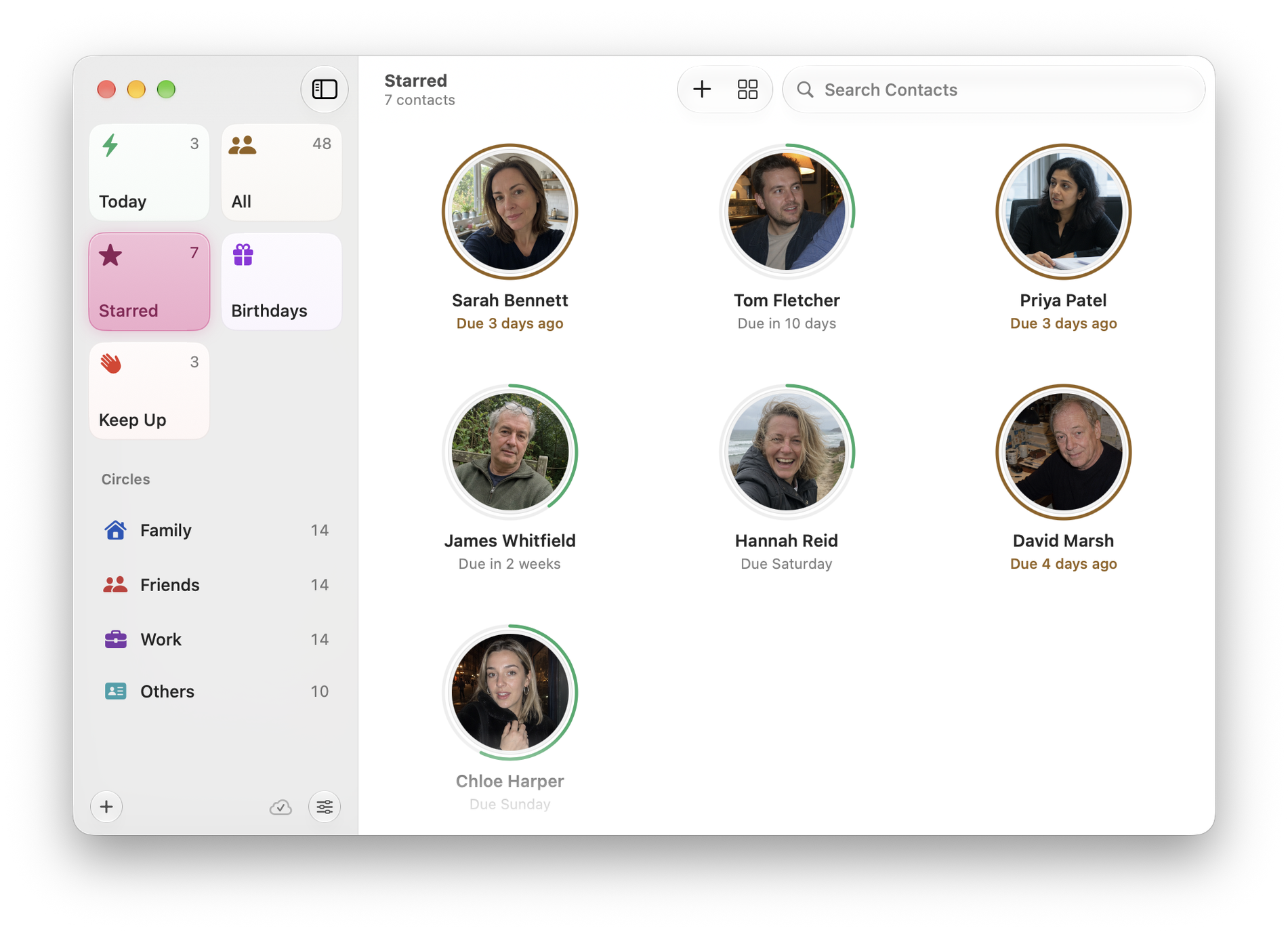
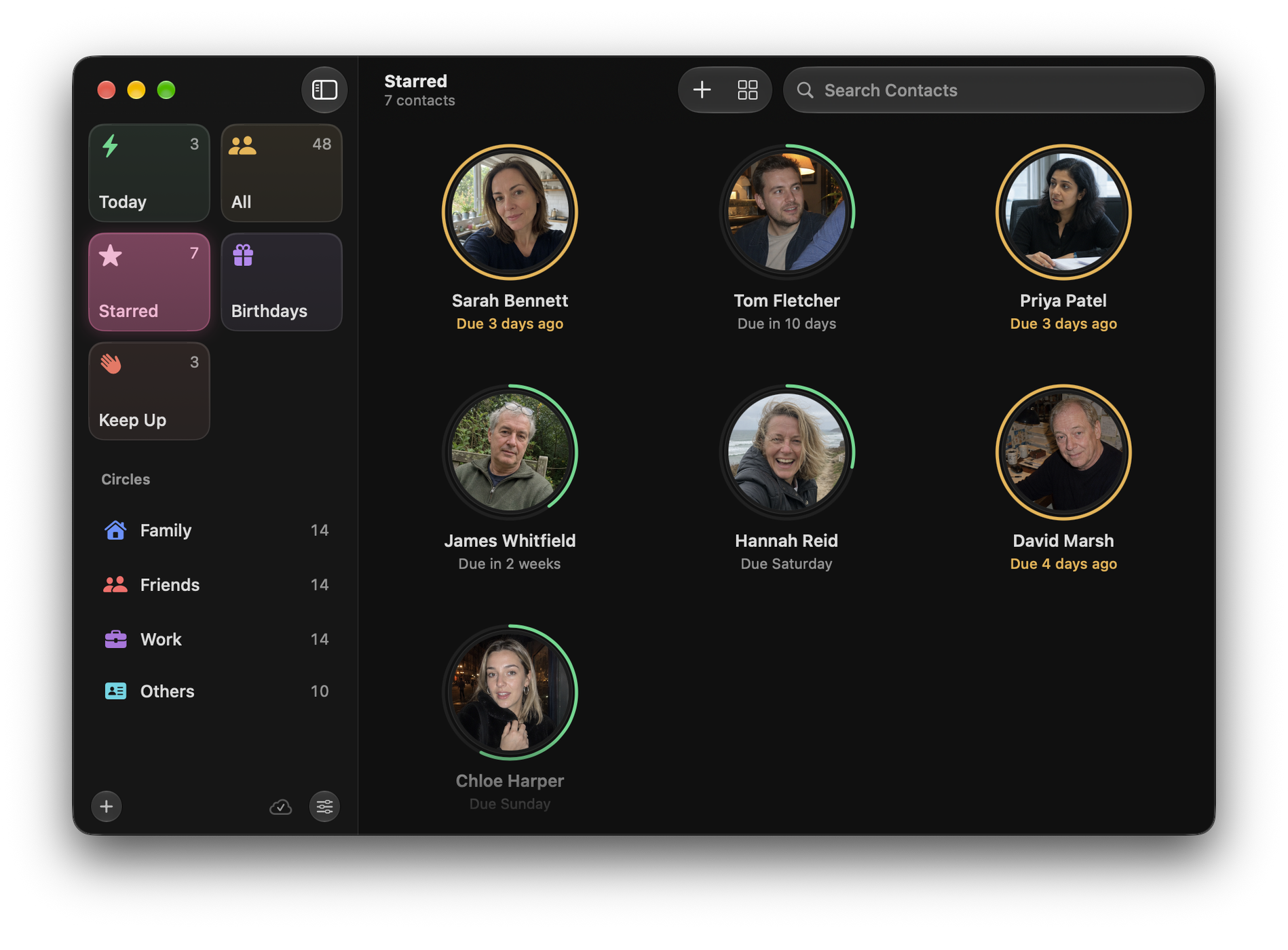
Starred is not another circle. It is a shortlist of the handful of people you reach for most, and it is ordered entirely by hand. Drag people into exactly the order you want them in. That ordering is the feature: it is your own sense of who is closest, made explicit.
Others
Others collects everyone you have not filed into a circle yet. Unsorted contacts stay visible and reachable until you decide where they belong.
Finding someone
⌘F searches. ⌘↓ and ⌘↑ step through the list without leaving the keyboard.