

Circle reads birthdays from Apple Contacts so you can see upcoming dates in one timeline.
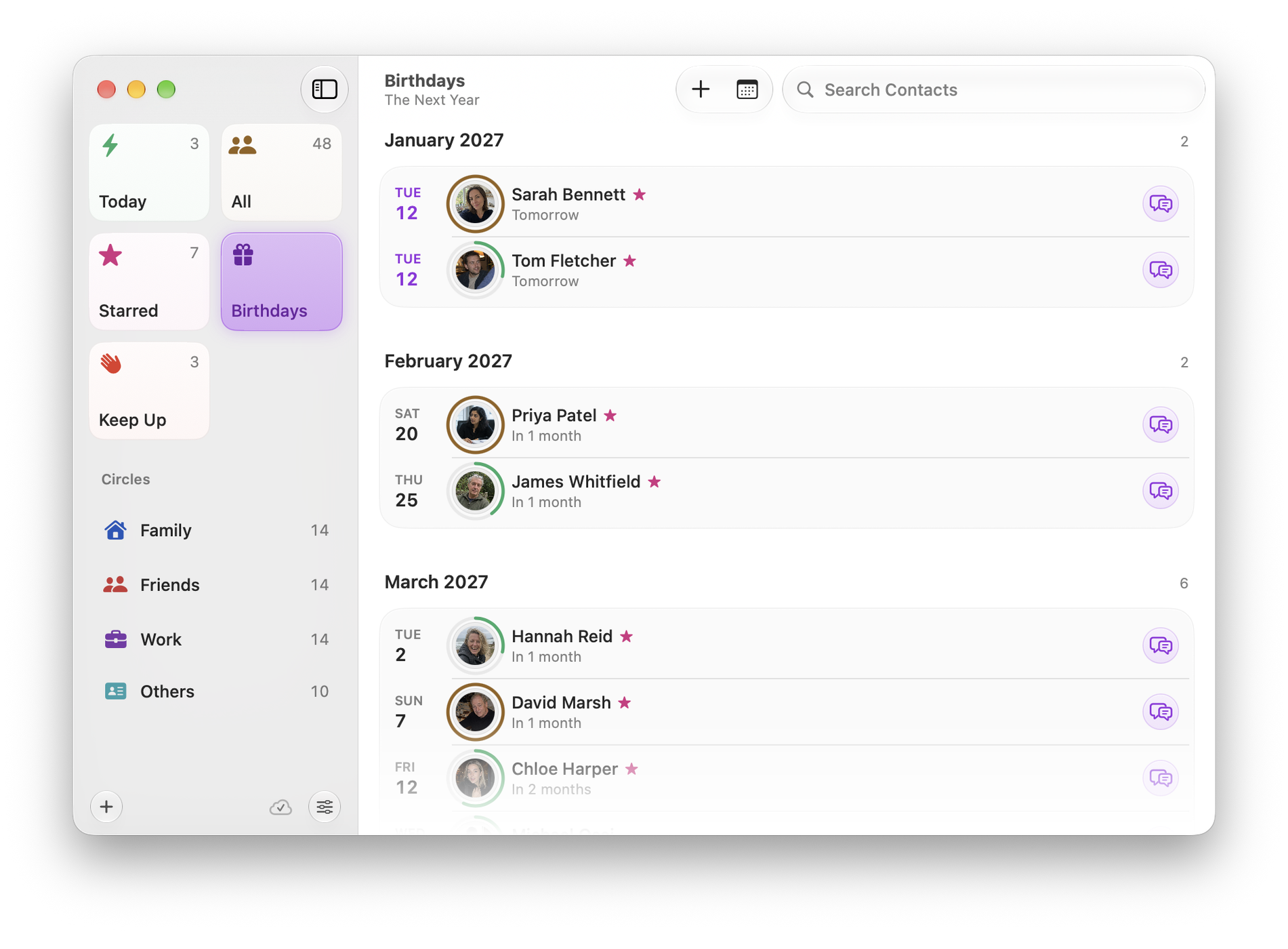
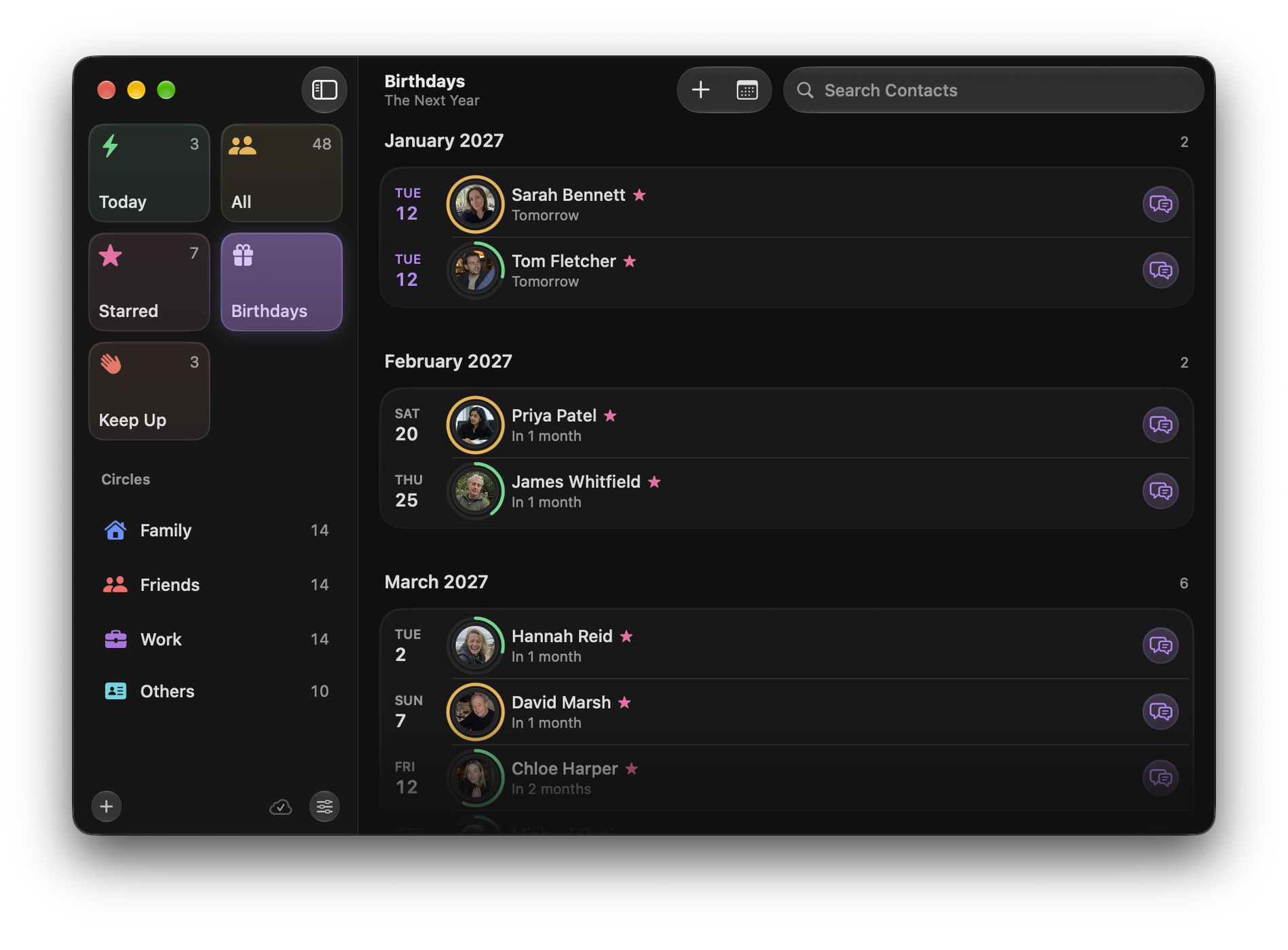
Setting the look-ahead
Settings ▸ General ▸ Default birthday range controls how far ahead Circle looks. Options run from a few days to a year. A short range keeps Today concise; a long one is better if you post cards.
Birthdays appear on Today
This week’s birthdays sit alongside the people due a catch-up on the Today screen, because they are the same kind of information: something time-sensitive about a person you care about.
A birthday is missing
Circle does not store birthdays. It reads them. If someone’s birthday is not showing:
- Open the person in Apple Contacts.
- Check that a birthday is set on the card, not just in a note.
- If the contact came from a linked account, make sure that account syncs birthdays.
Add the birthday in Contacts and it appears in Circle immediately.