

Refreshing
Settings ▸ Feeds ▸ Refresh interval sets how often Beacon checks: every 30 minutes, hourly, every 4 hours, or manually only.
Refresh anytime with ⌘R on Mac, or pull down on iPhone and iPad. Background refresh is scheduled by the operating system and is not an exact timer. Opening Beacon and refreshing manually is the quickest way to check for new articles.
Feed health
Feeds break. Sites move, certificates lapse, blogs get abandoned. Settings ▸ Feeds ▸ Feed health shows the state of every feed you follow so you are not silently missing things:
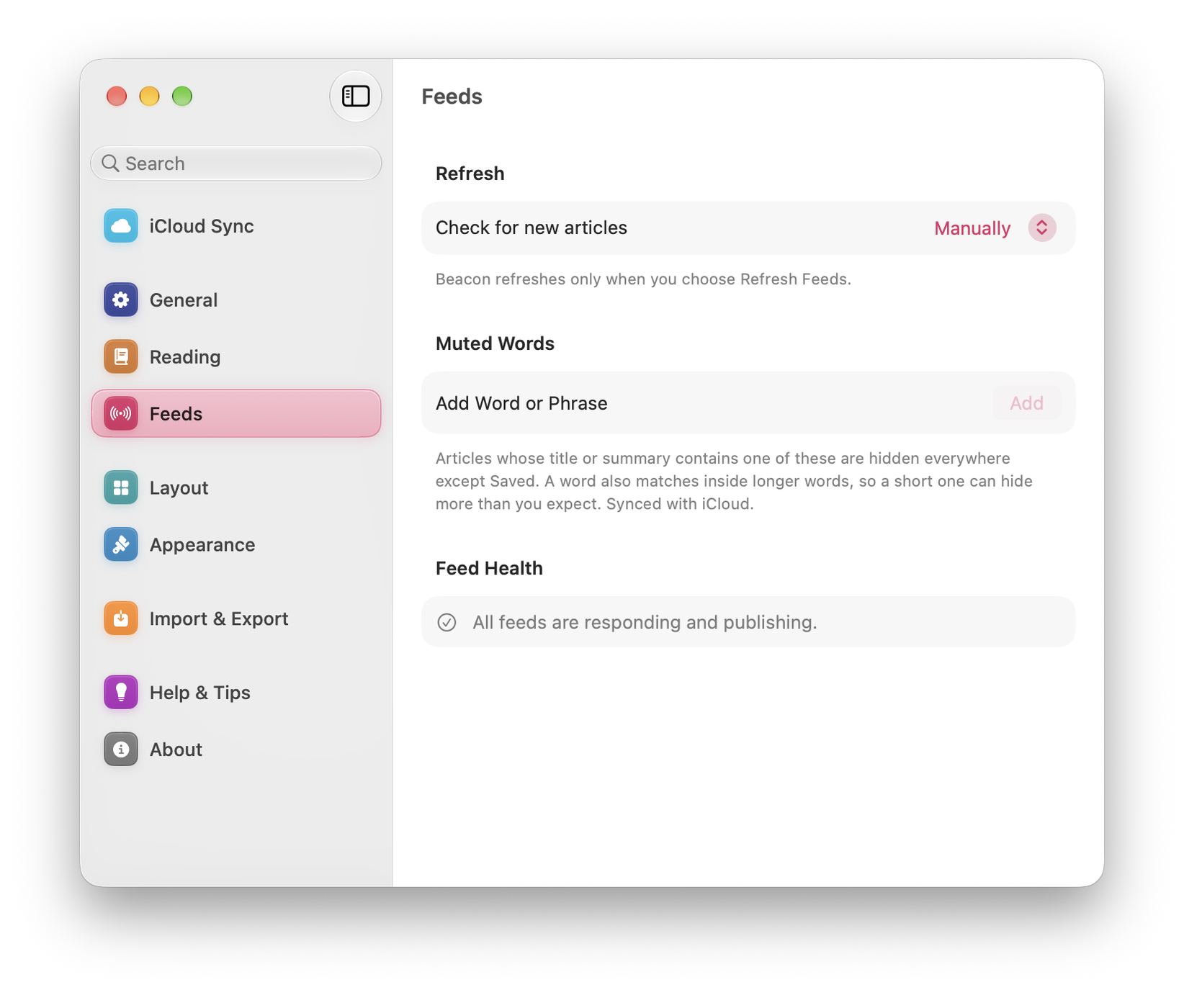

- Failing: the feed is returning an error. Often temporary; worth checking again in a day.
- Gone quiet: the feed still works but has not published in a long time. Not an error, but usually a sign the site has stopped.
Both states are shown so you can spot feeds that are no longer delivering new articles.
When one feed will not update
- Open the site in a browser and confirm it is still publishing.
- Refresh manually with ⌘R.
- Check the feed’s health entry for the specific error.
- Check whether the publisher now offers a different feed address. Keep or export anything you need before unfollowing a feed; re-adding a feed is not a way to restore missing article history.
Tidying up
Settings ▸ Data ▸ Item age clears items older than the age you choose, so the library does not grow forever.
Saved articles are never removed, whatever the setting. If you want to keep something, save it.